Sunrise Internet Box User Manual
3.3.4 DynDNS
Objective: Enables a web surfer to access your Sunrise Internet Box (with no fixed IP address but
only a DNS entry) through a dynamic DNS provider such as, for example, dyndns.org.
•
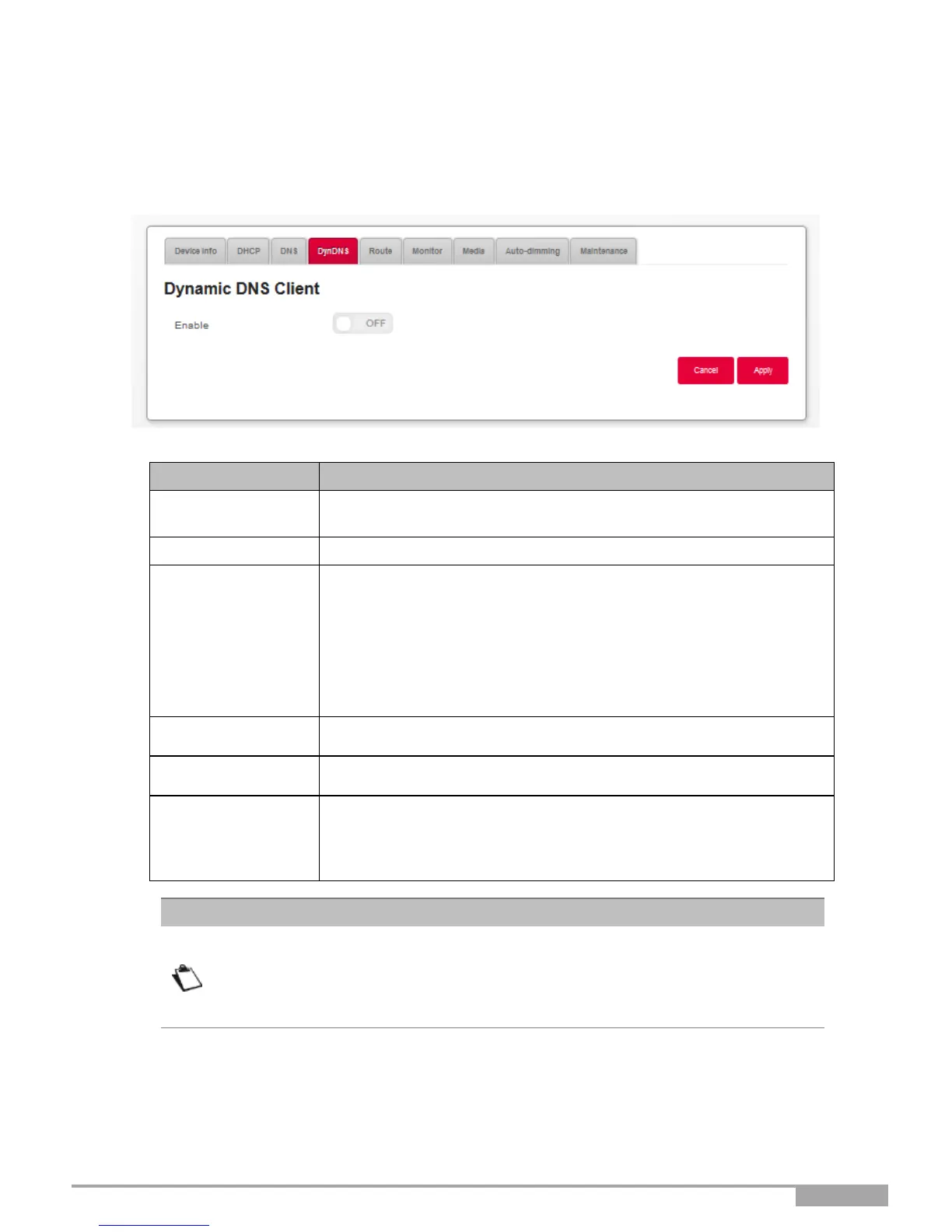
In the My Sunrise Internet Box menu, select DynDNS. The following screen opens:
Press the button ON/OFF to activate or deactivate the Dynamic
DNS service.
Display the status of the function DynDNS.
Select from the relevant drop-down list:
•
DynDNS
•
StatDNS
•
Custom
•
No-IP
•
DTDNS
Enter the account name supplied to you by the dynamic DNS
provider.
Enter the account password provided to you by the dynamic DNS
provider.
Enter the name (for example “butterfly”) that you want to assign to
your Sunrise Internet Box.
This is the name provided to you by your dynamic DNS provider
(see Note).
If you enter the name "butterfly," the dynamic DNS provider (dyndns.org, for
example) incorporates this name in the domain name (butterfly.dyndns.org). A
web surfer who wants to access your Sunrise Internet Box receives the dynamic
IP address (transcription of the domain name) of your Internet Box supplied by
Sunrise from the dynamic DNS provider.



 To Next Page