•
Make sure that you are able to print a Test Page. If your page is successfully printed, you are ready and
can move on to the next step. Otherwise, you need to reinstall the Printer on the PC until you can print a
test page on the printer when it is connected directly to the PC.
•
If your page was successfully printed, you are now ready in this second step to connect the Printer to the
Sunrise Internet Box.
•
Connect the USB cable from the Printer to one of the USB ports on your Sunrise Internet Box.
•
Make sure the Printer is powered on.
•
Make sure the Sunrise Internet Box has been on for several minutes.
•
Connect your PC to the Sunrise Internet Box via Ethernet or via wireless.
•
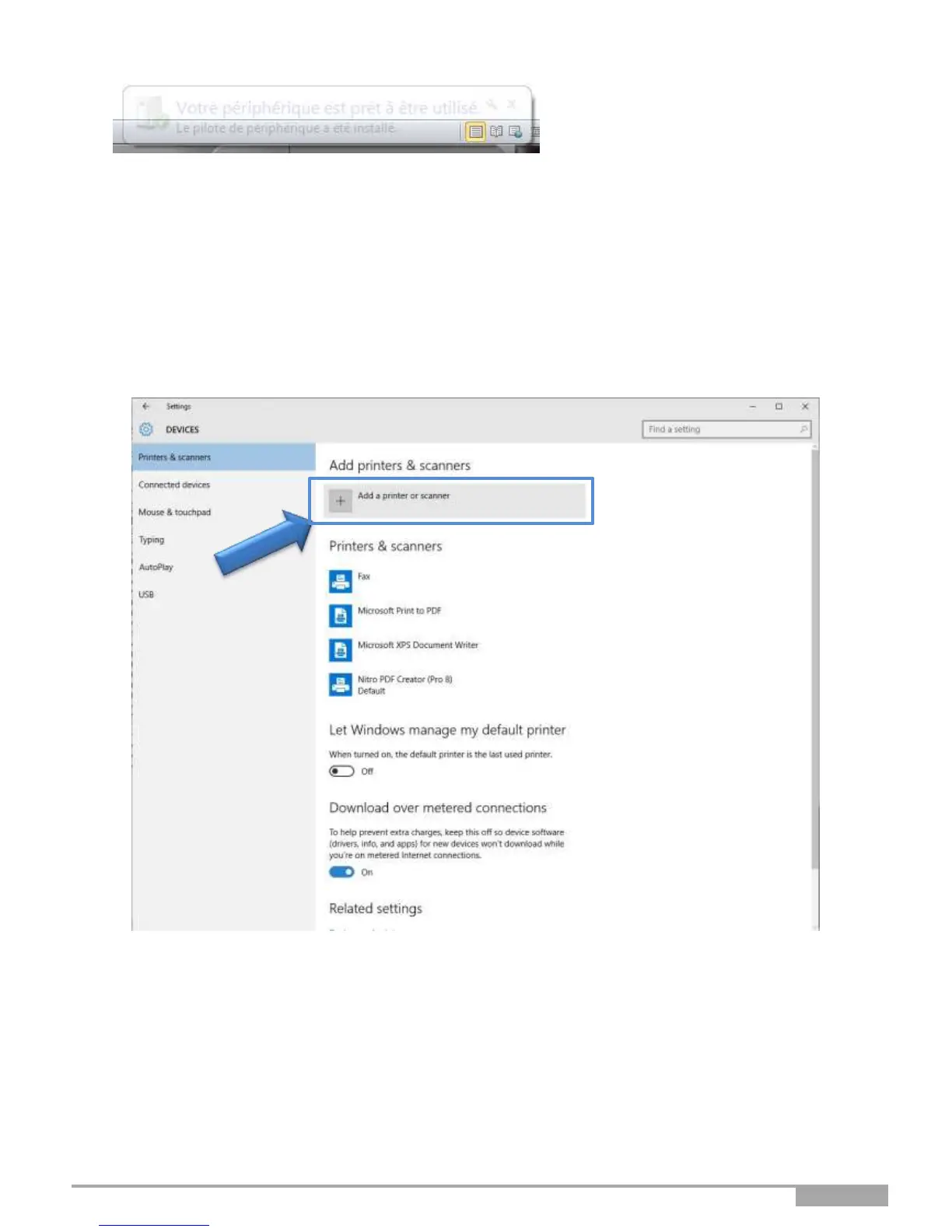
On the PC, go to Settings -> Devices.
The following screen opens:
•
Click on “Add a printer or scanner.”
The following screen opens:



 To Next Page