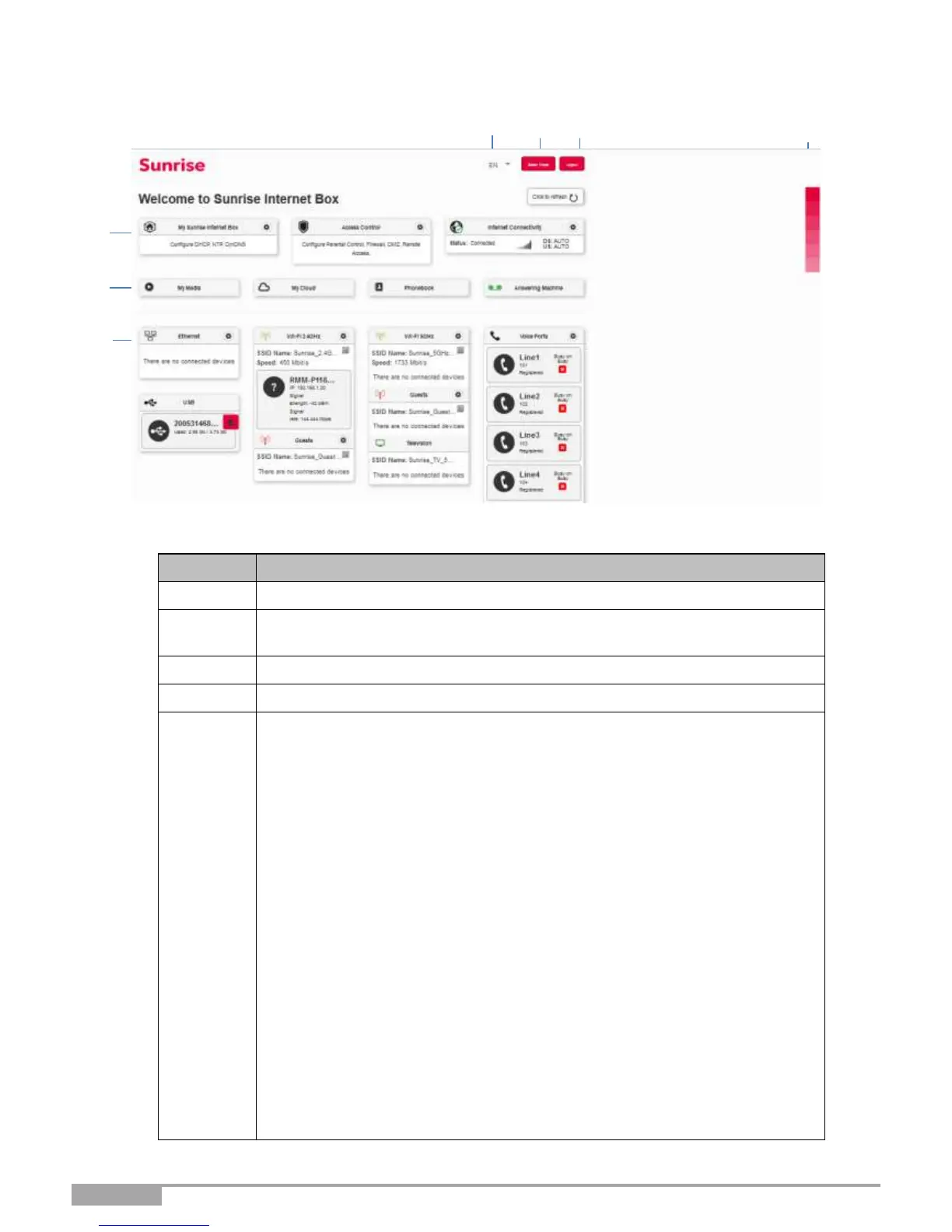
Here you will find the devices that are connected to your Sunrise Internet
Box. By clicking on the device icons, you can access the configuration
menu for each.
•
Ethernet displays the LAN devices connected to your Sunrise Internet
Box.
For more information, consult the Section Ethernet service
(see Sub-section 3.6).
•
Wi-Fi x GHz displays the wireless devices connected to your Sunrise
Internet Box. For more information, consult the Section Wi-Fi service
(see Sub-section 3.7)
•
Voice Ports displays information about your phone lines. For
more information, consult the Section Voice service (see Sub-
section 3.8)
•
DECT displays information about your DECT phones. For more
information, consult the Section DECT settings (see Sub-section 3.8.3)
•
USB displays the USB memory devices connected to your Sunrise
Internet Box. For more information, consult the Section USB service
(see Sub-section 3.9).
Note: This item only appears when one USB memory device is
connected.



 To Next Page