Sunrise Internet Box User Manual
3.6.3.2 Firewall
Objective: The Sunrise Internet Box has a built-in firewall that helps protect your devices on the local
network against hacking and other security threats.
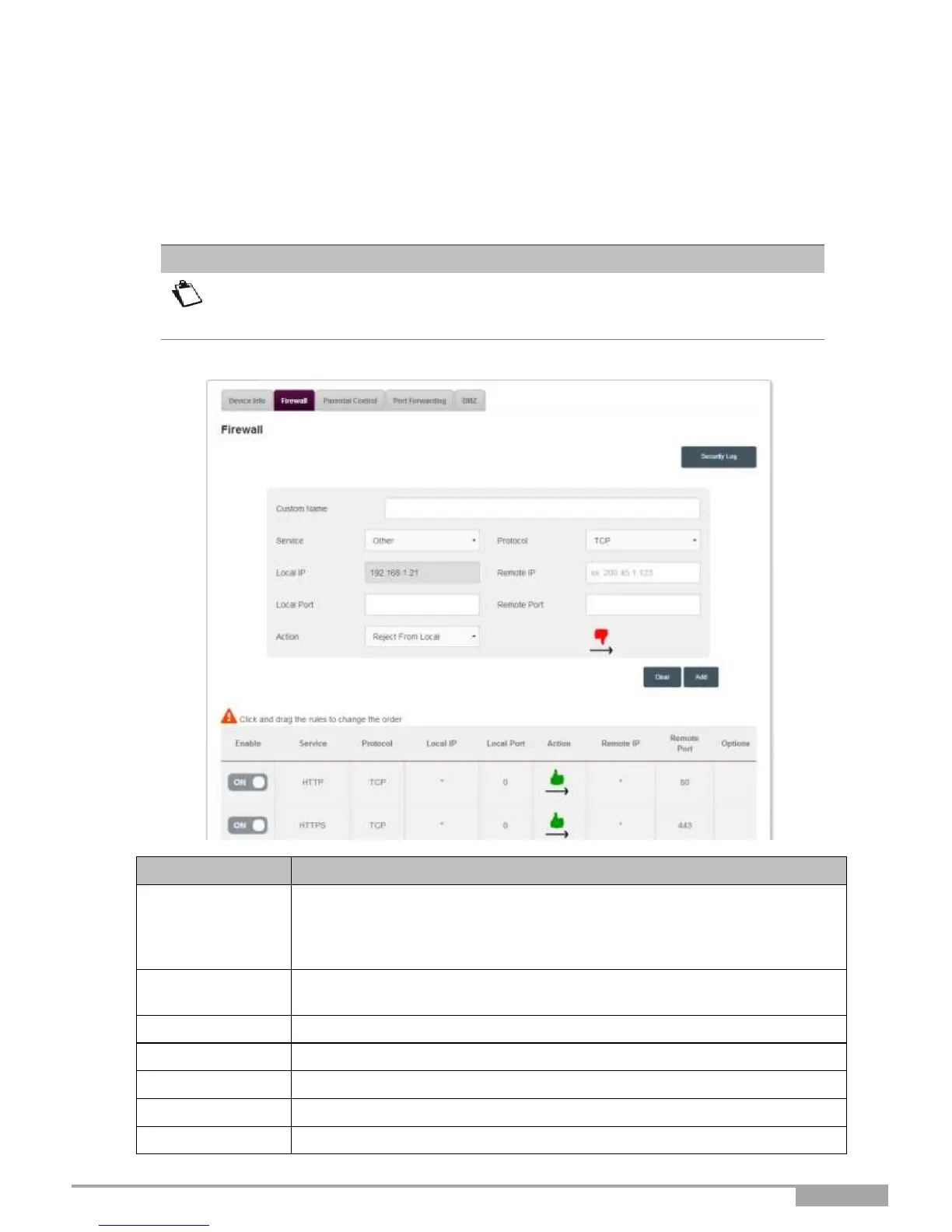
To configure the firewall, proceed as follows:
On this page, you can add customized filtering rules. For novice users, it is
recommended that you use one of the predefined security levels predefined. A bad
firewall configuration may prevent you from accessing the Internet service.
Select a Service: Service available over the Internet (e.g. FTP, HTTP,
SMTP, etc.).
You can select Other to define a customized service. In this case, you
must fill in all fields manually.
Name you want to allocate to the service when you choose Other in the
field Service.
Select the transport protocol (TCP, UDP, etc.).
IP address of the device on your local network.
IP address of the remote device on the public network.
Communication port of the device on your local network.
Communication port of the remote device on the public network.



 To Next Page