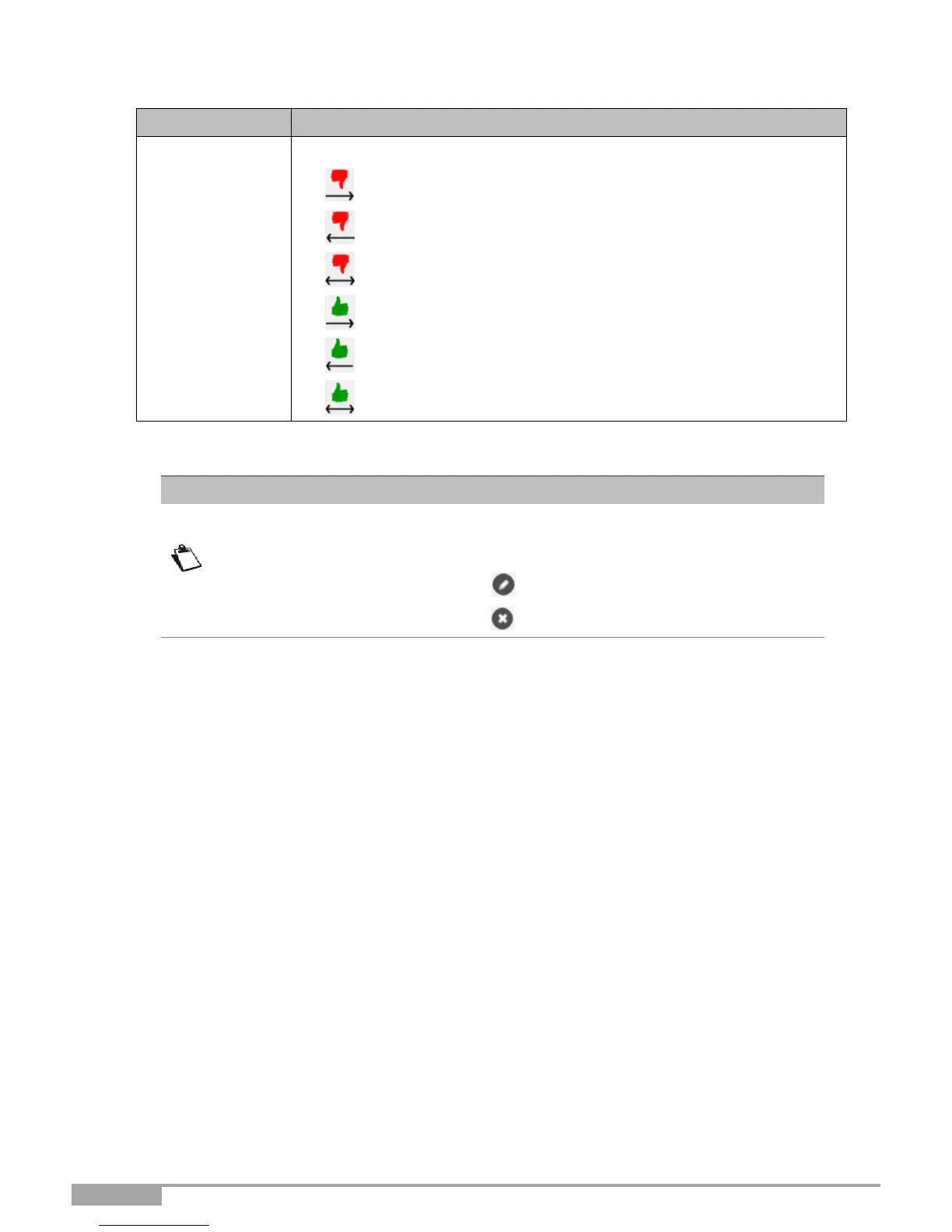
Select the action for the current service from the scroll down list:
• Reject From local: Blocks all outgoing services.
• Reject From Remote: Blocks all incoming services.
• Reject In Both Ways: Blocks all incoming and outgoing services.
• Accept From local: Authorizes all outgoing services.
• Accept From Remote: Authorizes all incoming services.
• Accept In Both Ways: Authorizes all incoming and outgoing
services.
From the list, you can perform the following actions:
• Activate or deactivate the rule using the ON/OFF button,
• Modify the rule by clicking on the button.
• Delete the rule by clicking on the button.



 To Next Page