Sunrise Internet Box User Manual
Defining Static IP addresses
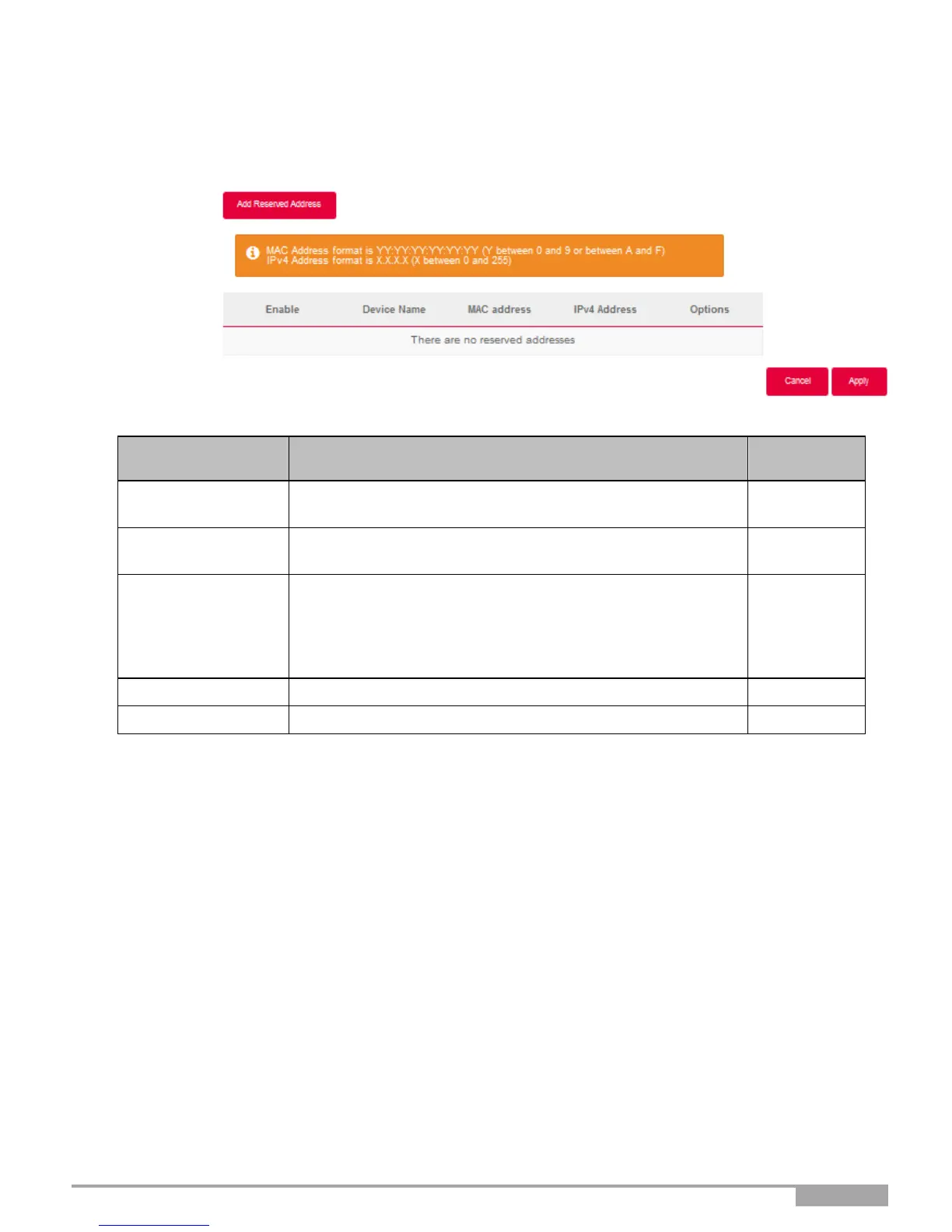
This Section describes how to allocate a static IP address to a specific device.
Click on this button to attribute a new static IP address.
The ON/OFF button allows you to activate or deactivate the
attribution of static address to the current device.
If the name of your device is available on the list, select it. The
fields MAC address and IPv4 address are filled in
automatically, or
Select ADD MAC address, then manually fill in the fields
MAC address and IPv4 address.
MAC address of your device.
Static IPv4 address attributed to your device.



 To Next Page