Sunrise Internet Box User Manual
3.4.2.2 Games and Applications
•
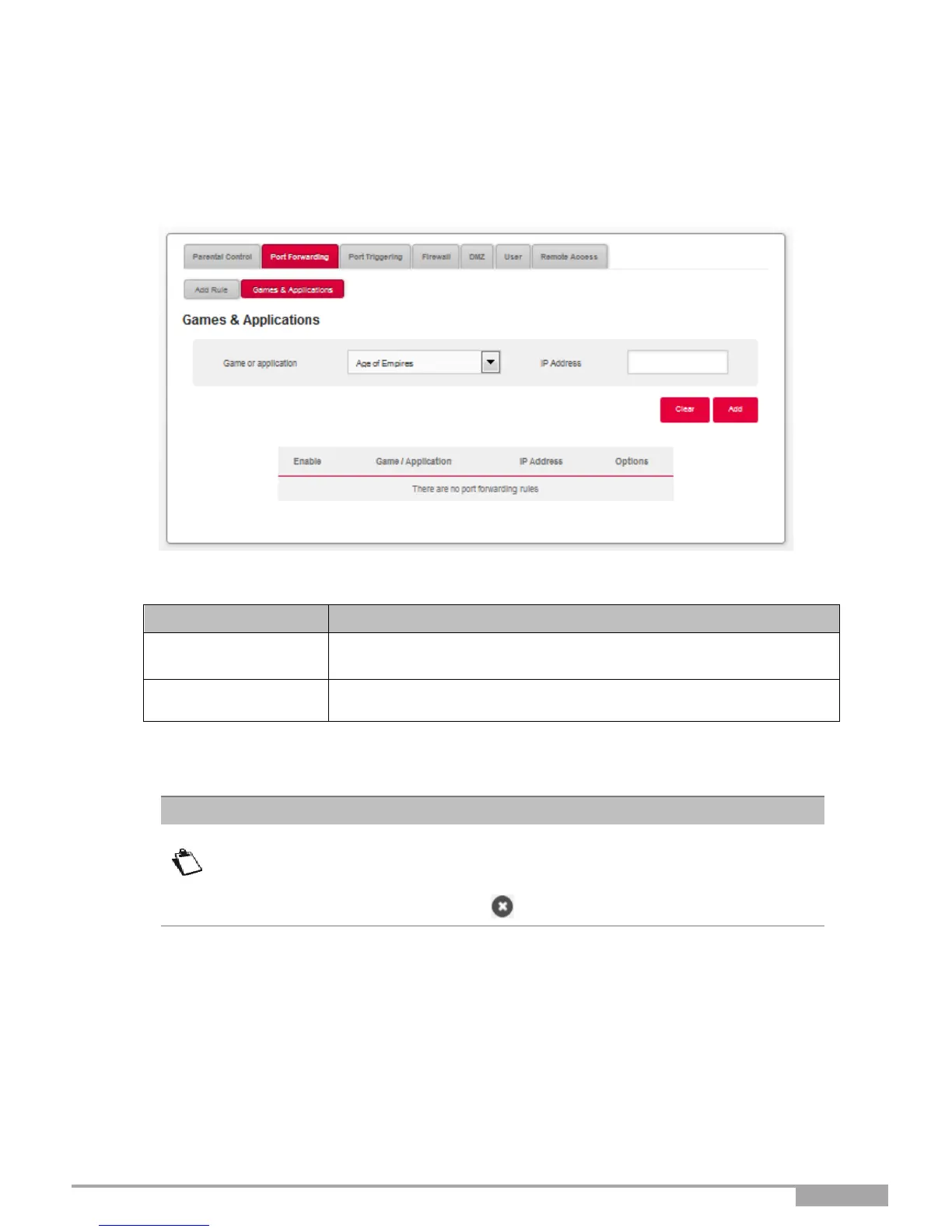
In the Access Control menu, select Port Forwarding > Games & Applications.
The following screen opens:
Select the game or application from the scroll down list.
Enter the IP Address associated with the selected game or
application.
•
Click on the Add button.
The game or application is added to the list.
From the list, you can perform the following actions:
• Activate or deactivate the rule using the ON/OFF button,
• Delete the rule by clicking on the button.



 To Next Page