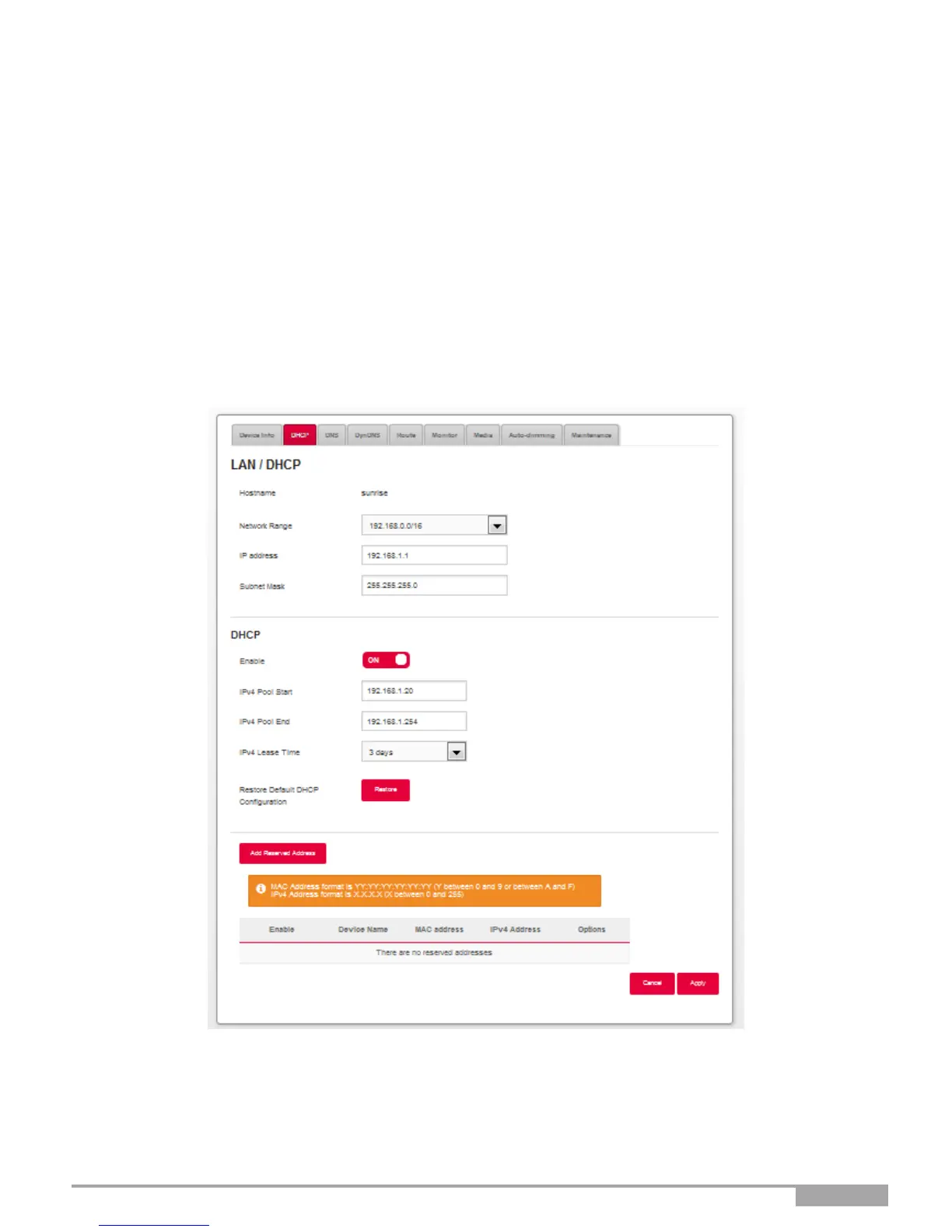
3.6.1.1 Status of the DHCP server
To obtain the status of the DHCP server:
1.
Open your browser.
2.
Enter the Sunrise Internet Box’s IP address (by default http://192.168.1.1 or http://sunrise.box).
3.
In the login screen that appears, enter your password.
By default, the initial password is indicated on the label of the product.
4.
Click on the LOGIN button to validate.
5.
Select Expert Mode
6.
Click on My Sunrise Internet Box, then select DHCP tab.
The following screen opens:
Elements in the Section LAN / DHCP



 To Next Page