MC50 Integrator Guide8-8
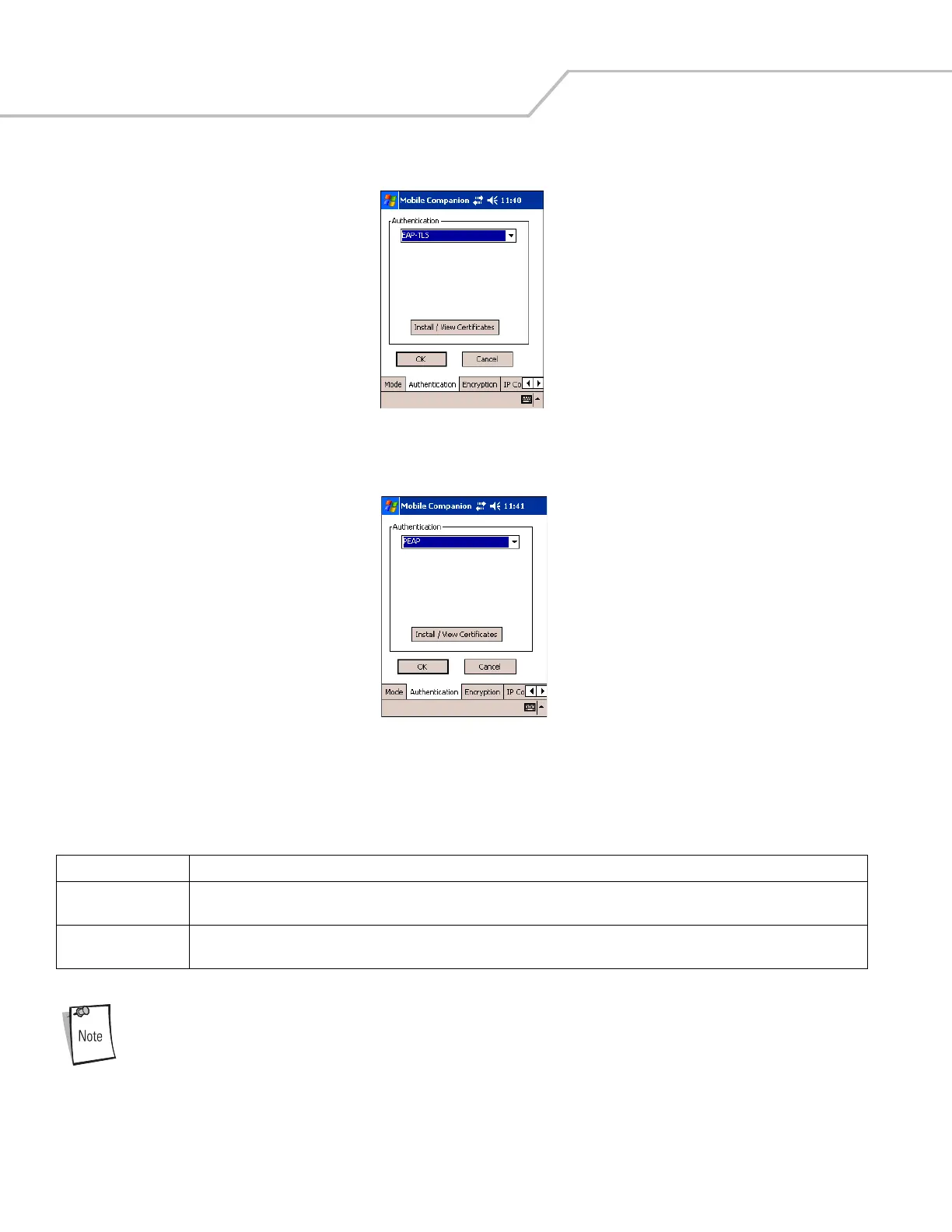
Figure 8-6. Mobile Companion - Authentication Tab (EAP-TLS)
Figure 8-7. Mobile Companion - Authentication Tab (PEAP)
When the mobile computer is associated to an EAP or PEAP WLAN, the window shown in Figure 8-8 may be
available for radio configurations. Use only the Mobile Companion Utility, located on the tasktray of the Today
screen, to configure the radio.
Table 8-5. Authentication Tab Fields - EAP/TLS and PEAP
Authentication Description
EAP/TLS
(see Figure 8-6)
EAP/TLS is an authentication scheme through IEEE 802.1x, ensuring only valid users can connect to the network. It also restricts
unauthorized users from accessing transmitted information. EAP/TLS achieves this through secure authentication certificates.
PEAP
(see Figure 8-7)
Select this option to enable PEAP authentication. This method uses a digital certificate to verify and authenticate a user's identity.



 To Next Page