MC50 Integrator Guide8-10
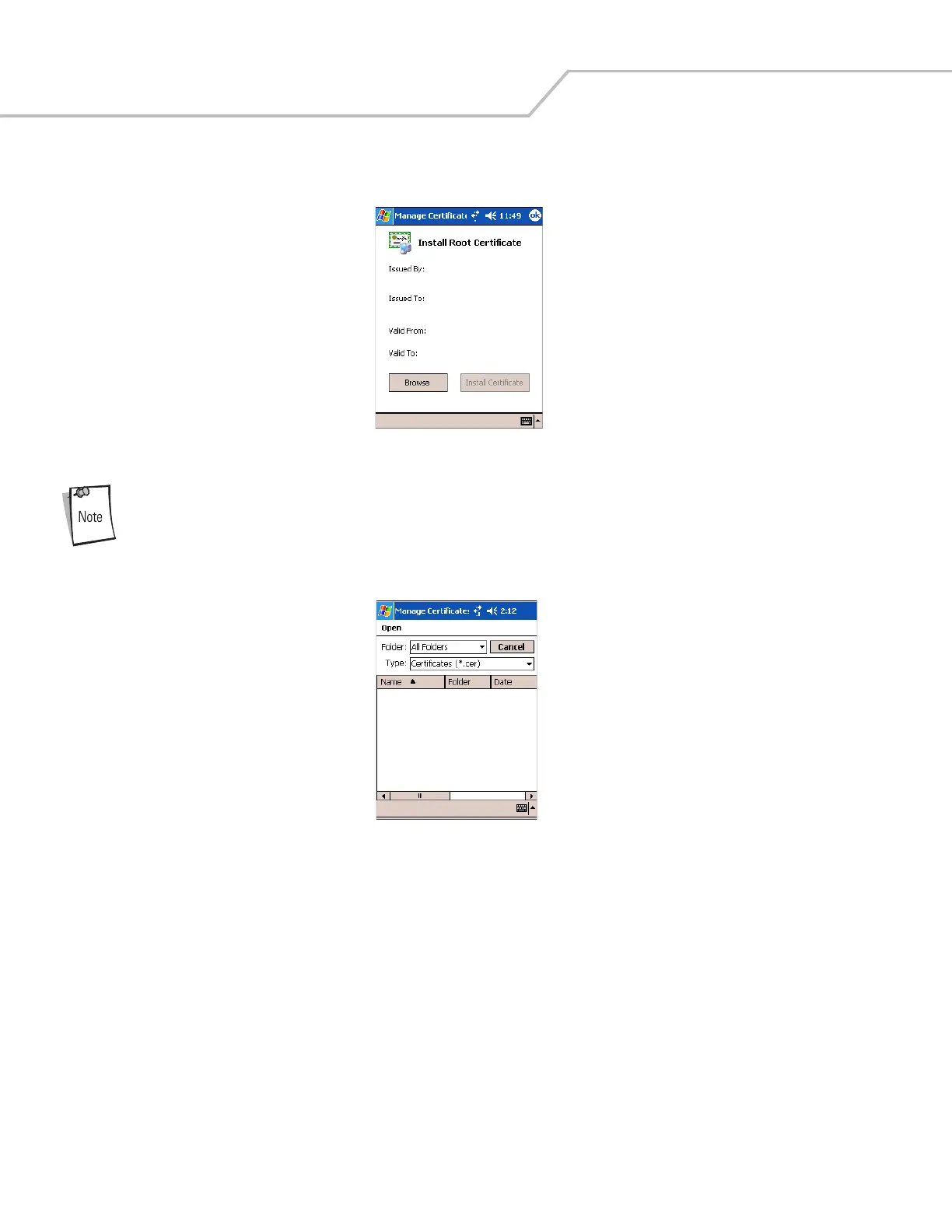
6. On the Manage Certificates window, tap Root (server) to request the installation of a Server Certificate (EAP-TLS and
PEAP).
Figure 8-11. EAP-TLS/PEAP Install Root Certificate
The Server Certificate must be downloaded to the mobile computer prior to installation.
7. Tap Browse to locate the Server Certificate on the mobile computer.
Figure 8-12. EAP-TLS/PEAP Browse Server Certificate
8. Select All Files (*.*) from the Type: drop-down list.
9. In the list of certificates, tap the certificate to install.
10. On the Install Root Certificate window (Figure 8-11), tap Install Certificate.
11. Tap ok to exit.



 To Next Page