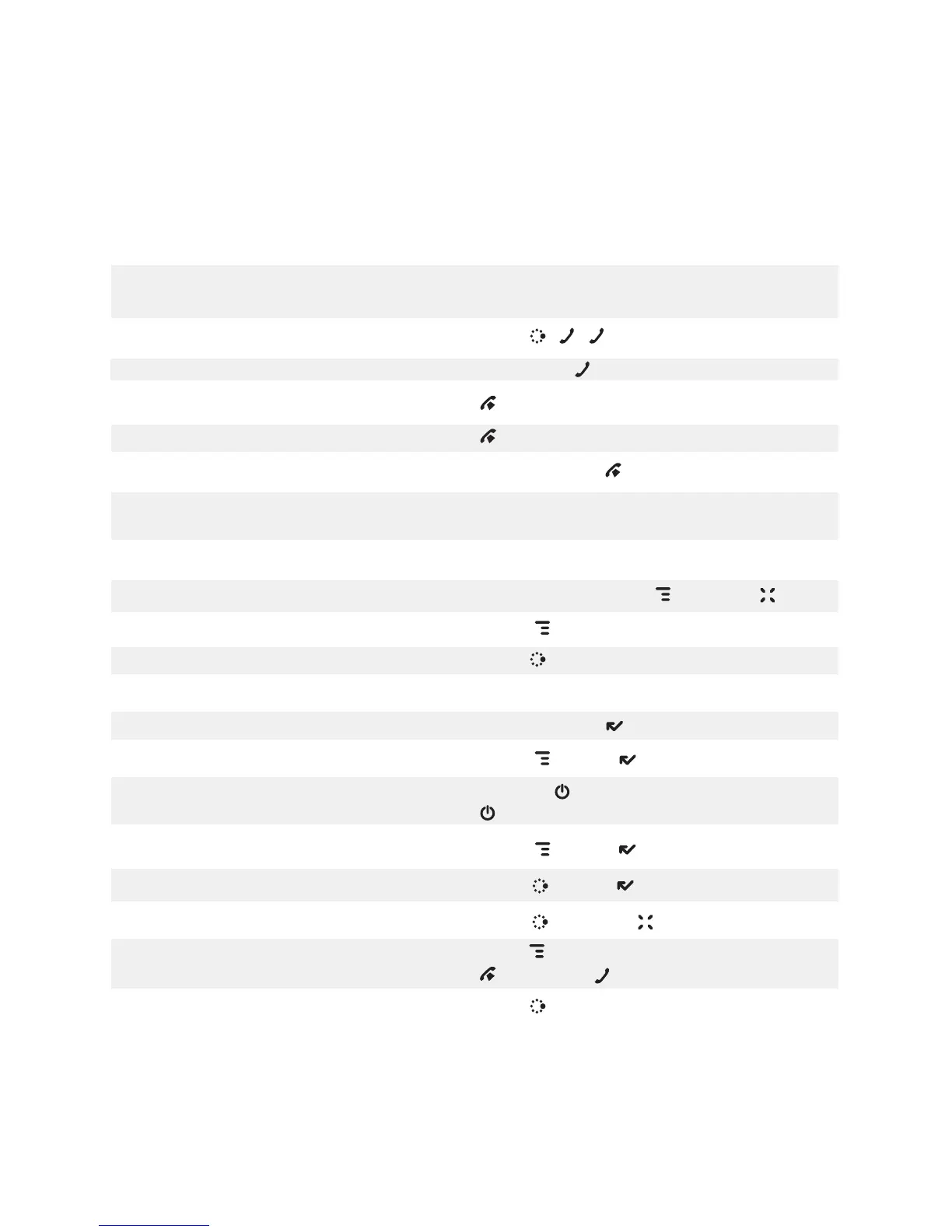
Keyboard Shortcuts
Call a speed dial number Press and hold speed dial # on keyboard while
in Phone or on Jump screen.
Redial last number Press JUMP , , .
Answer an incoming call Press trackball or .
Ignore incoming call (call forwards) Press .
Hang up active call Press .
Mute your device when ringing Press any key, except .
Create a new note, message, event,
task, to do, or contact Press MENU + M.
Insert Unicode character Press SYM
key.
Discard item Highlight item, press MENU + CANCEL .
Send a composed message Press MENU + M.
Open latest unread message Press JUMP + 0.
Delete all text in a single line Press ALT + DEL.
Put device in key guard mode Press and hold DONE two seconds.
Unlock device Press MENU + DONE .
Power device on/off Press and hold for three seconds.
Press twice to power off.
Open Sound Controls
Press MENU + DONE .
Open mini music player Press JUMP + DONE .
Open Quick Jump menu Press JUMP + CANCEL .
Scroll page-by-page Hold MENU and roll trackball; or,
press to page up, to page down.
Find an item across apps Press JUMP + F.
Keyboard Shortcuts 77



 To Next Page
 Loading...











