Sound Controls
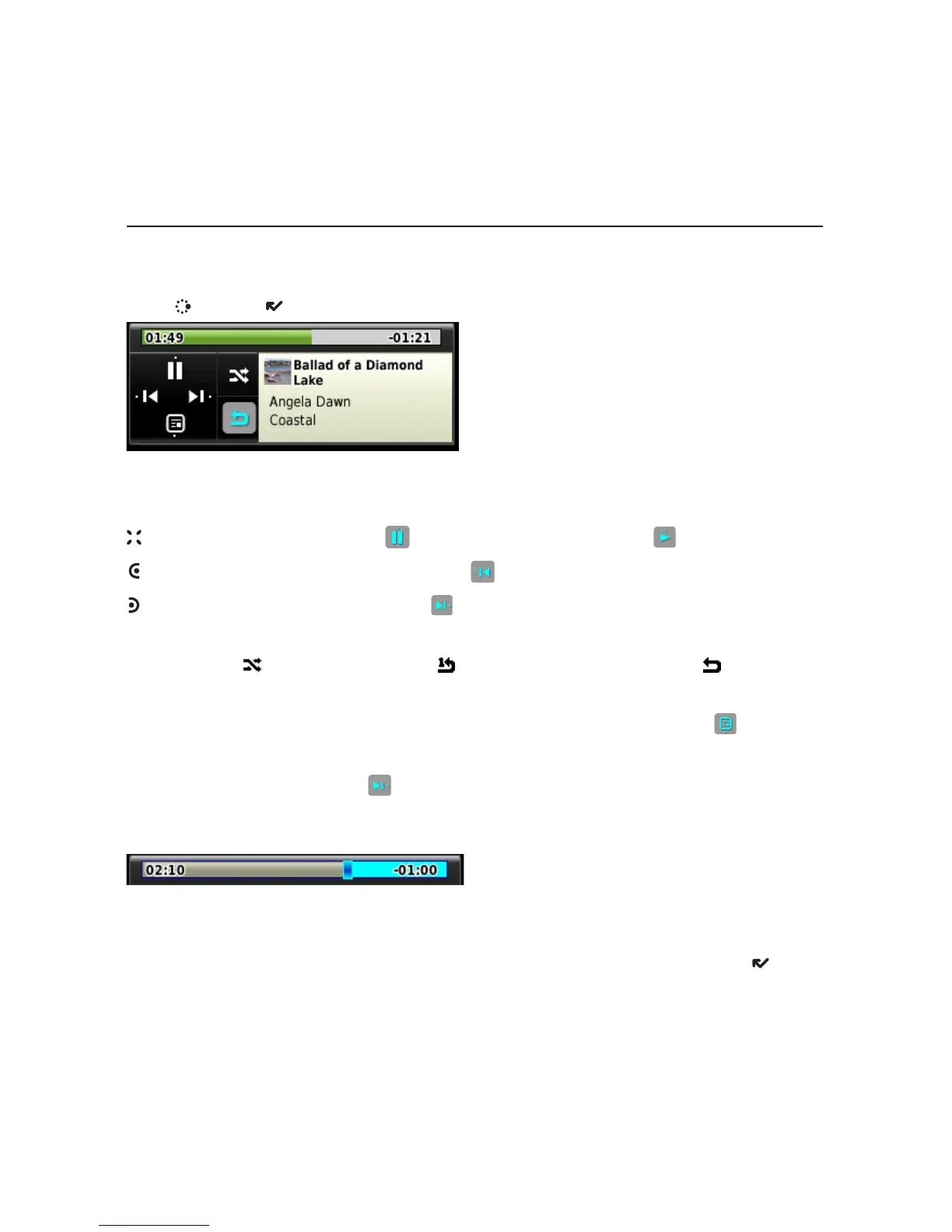
Mini Media Player
To open the mini media player from any application on the device, press
JUMP + DONE .
Use the D-Pad or the trackball to select a control. You can also use these
shortcuts:
– Pause item now playing , or resume play if paused .
– Play previous item in Play Queue .
– Play next item in Play Queue .
When the shuffle and repeat icons are highlighted, this indicates:
shuffle is on
, repeat once is on , repeat continuously is on . Select an
icon to cycle through settings.
To jump to the Now Playing screen, press the Now Playing icon
.
To scroll through the items in the Play Queue, press the D-Pad left/right or
select the forward control
with the trackball.
To go to a specific place in a song or video
, roll the trackball up, then select
the progress bar at the top of the player. A slider opens:
The row of bars is referred to as the “scrubber bar”. The highlighted bar
indicates where you are in the currently-playing item. Roll the trackball right
to fast forward, left to rewind. To close
the scrubber bar, press DONE .
Device Basics 13



 To Next Page
 Loading...











