Options and accessories User Guide
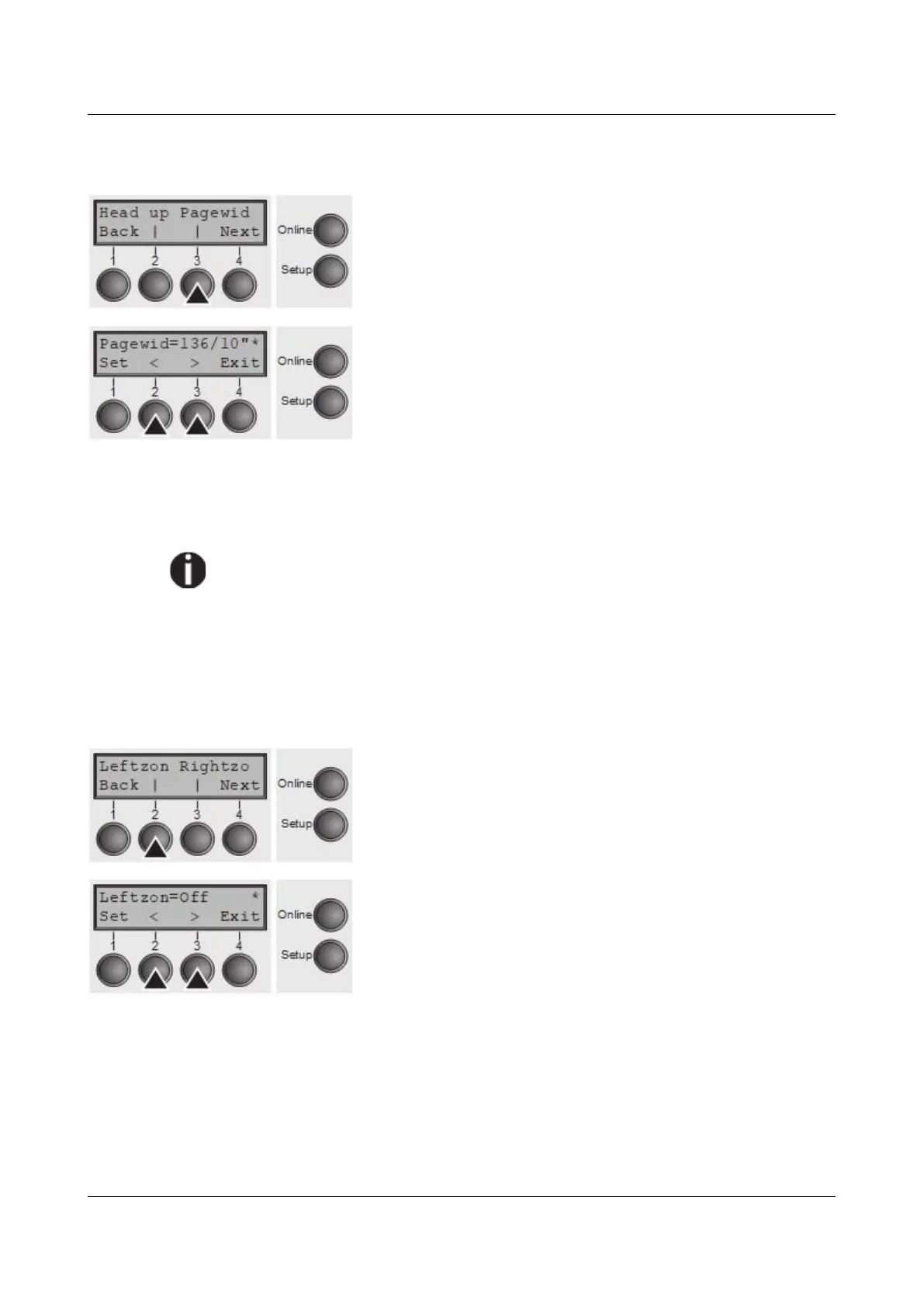
Paper width (Pagewid)
This parameter determines the actual paper width.
Select the Pagewid menu (3).
Setting options: From 20 to 136 in 1/10 inch steps
Default setting: 136/10 inch (136 characters at 10
characters/inch)
If Head up = On, the printhead moves to the calculated centre of the paper
during the time the paper is moving in the protected zone. If Rightzo = On (see
below), the printhead moves out of the perforation zone on the right as long as
the paper is being transported.
Set the printing width rather than the actual paper width.
Confirm your settings with the Set key (1) and press the Next key (4) to access
the next group of parameters.
Left-hand area (Leftzon)
If the parameter is On, the printhead moves out of the perforation zone (area) on
the left as long as the paper is being transported. The Pagewid setting has no
influence (see above).
Select the Leftzon menu (2) (stands for left zone).
Setting options: On/Off
Default setting: Off
Confirm your settings with the Set key (1).
100



 To Next Page