Options and accessories User Guide
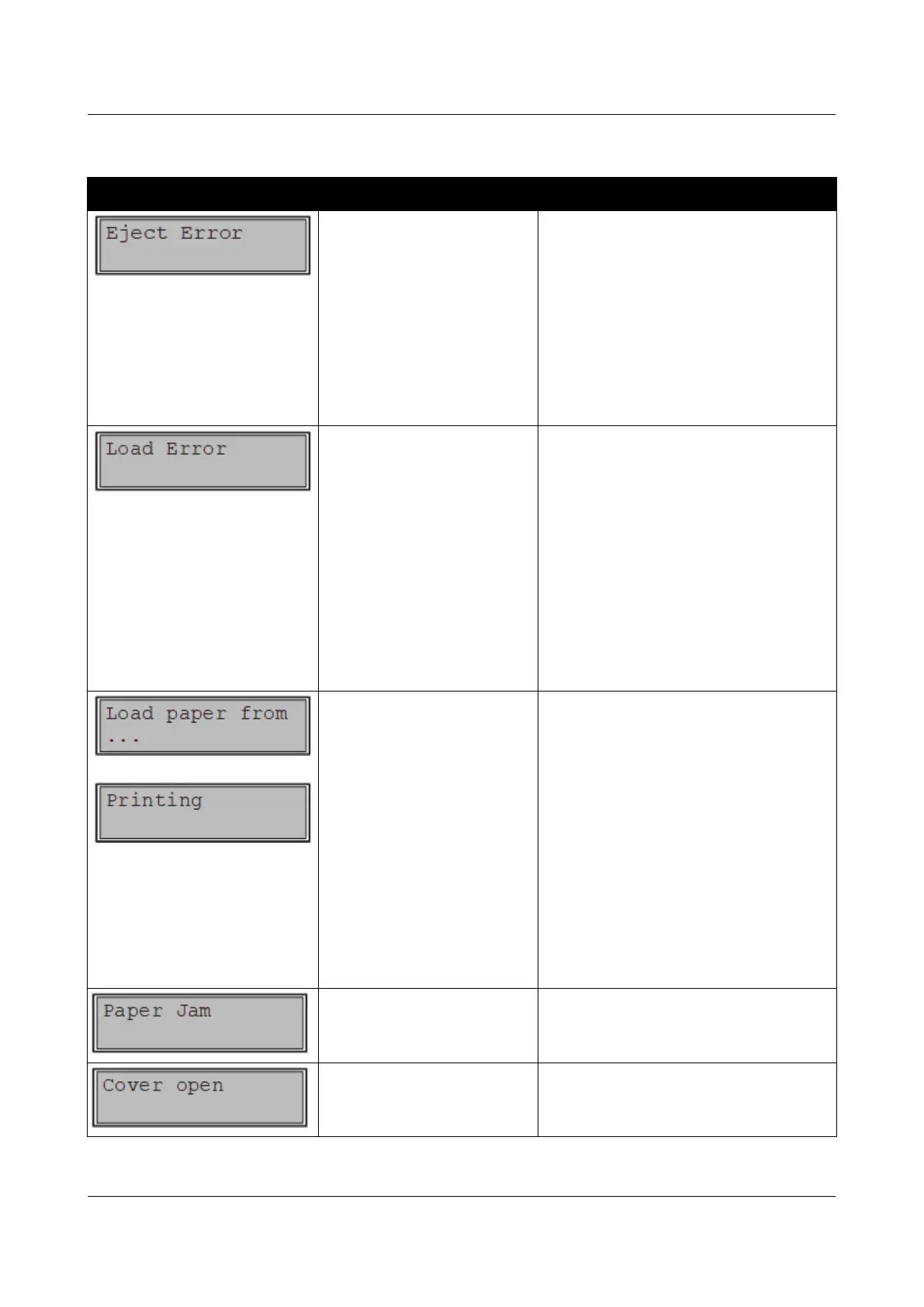
Error messages via the display
Message Possible cause Corrective action
The printer cannot eject the
paper or cannot place the
paper in the park position.
Check the following:
Whether the paper path is blocked
by a foreign object.
Whether the paper is damaged.
Whether the upper friction is down
and clicked into place.
Whether the printhead gap is too
small; see section Setting the print
head gap.
The printer cannot feed in
the loaded paper.
Check the following:
Whether the paper path is blocked
by a foreign object.
Whether the paper is damaged.
Whether the tractors are closed and
locked.
Whether the paper is too tight or
loose.
Whether the paper is within the
specified range.
Details see section Loading paper.
alternating with
The paper has run out
during operation.
1 Printer is switched on but no paper
is loaded in the displayed (active)
paper compartment.
2 The paper is not fed past the light
barrier.
Insert paper in the active sheet
feeder.
Place the paper more to the left.
If the display shows Online or Offline
instead of Print, the printer has
loaded no paper and there is no print
job. It is no error message in this
case, actions are not required.
Paper jam. Eliminate the paper jam detected by
the paper motion sensor. For the
procedure, see Paper jam.
Top cover is open. Close the top cover.
114



 To Next Page