Options and accessories User Guide
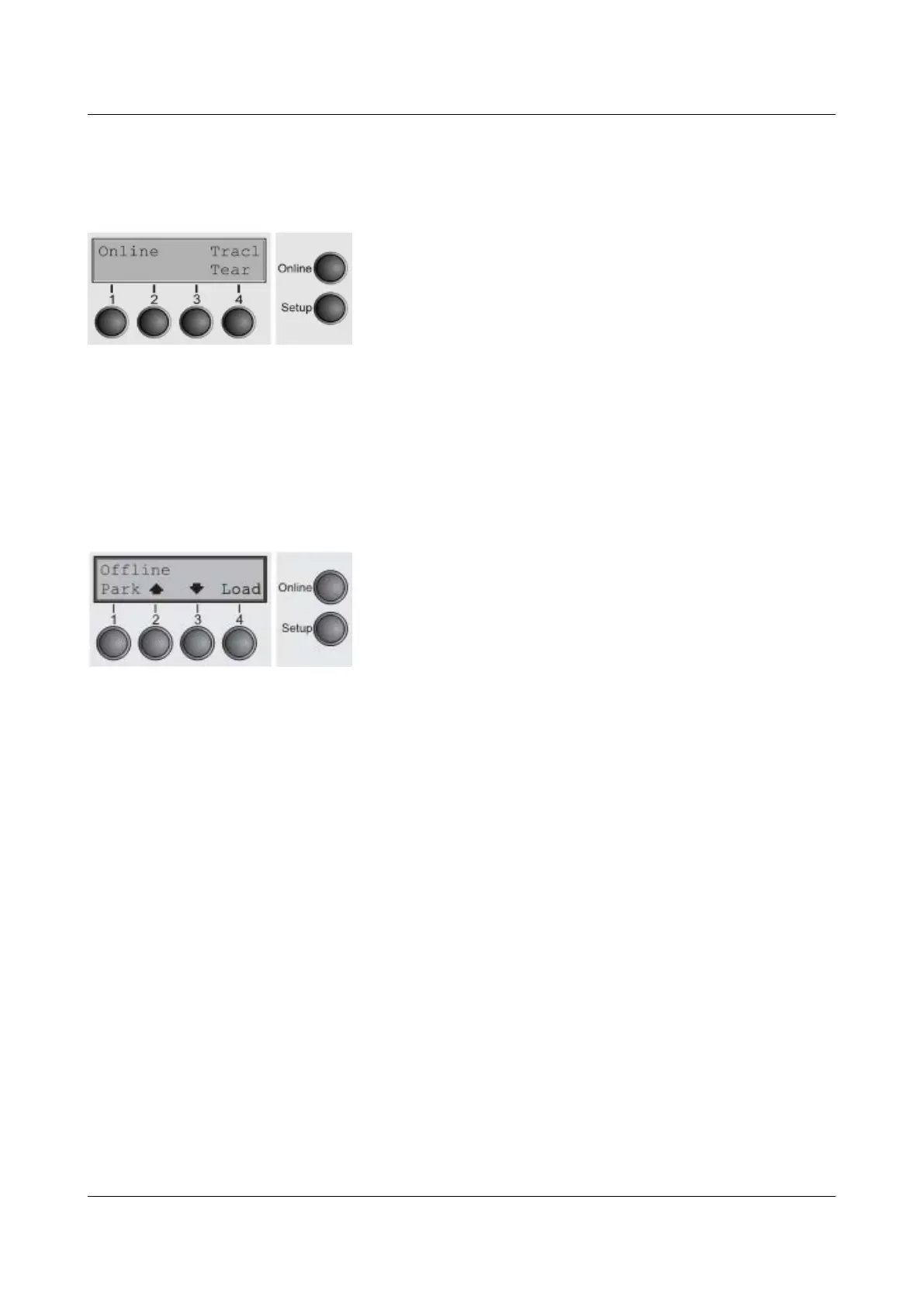
Online mode
After switching on, the printer is automatically set to online mode. Only in this
mode can it receive data from the computer.
► Tear key (4): Activates the tear function when fanfold
paper is loaded, see Moving the paper to the tear position.
If Load is displayed above this key, no paper is loaded in
the printer or the printer is in park position. In this case the
display switches between Online and Load paper
fromTrac1. Press the key to feed paper to the printing
position.
► Setup key: Sets the printer to setup mode.
► Online key: Sets the printer to offline mode.
Offline mode
Only in this mode is it possible to perform step, line, or form feeds from the
control panel, see Paper transport; however, data cannot be received.
► Park key (1): Clears the paper path with paper loaded and
activates paper path quick selection.
► Key (2): Short keypress: Microstep forward. Long
keypress: Continuous paper feed.
► Key (3): Short keypress: Microstep reverse. Long
keypress: Continuous paper reverse feed up to the park
position.
► Load key (4): Displays that no paper is loaded in the
printer or the printer is in park position. In this case the
display switches between Online and Load paper
fromTrac1.
► If paper is loaded: Loads paper from the selected paper
source; the display changes to LF/FF. Short keypress:
Line Feed (LF). Long keypress: Form Feed (FF).
► Setup key: Sets the printer to setup mode.
► Online key: Sets the printer to online mode.
26



 To Next Page