User Guide Options and accessories
Setup mode
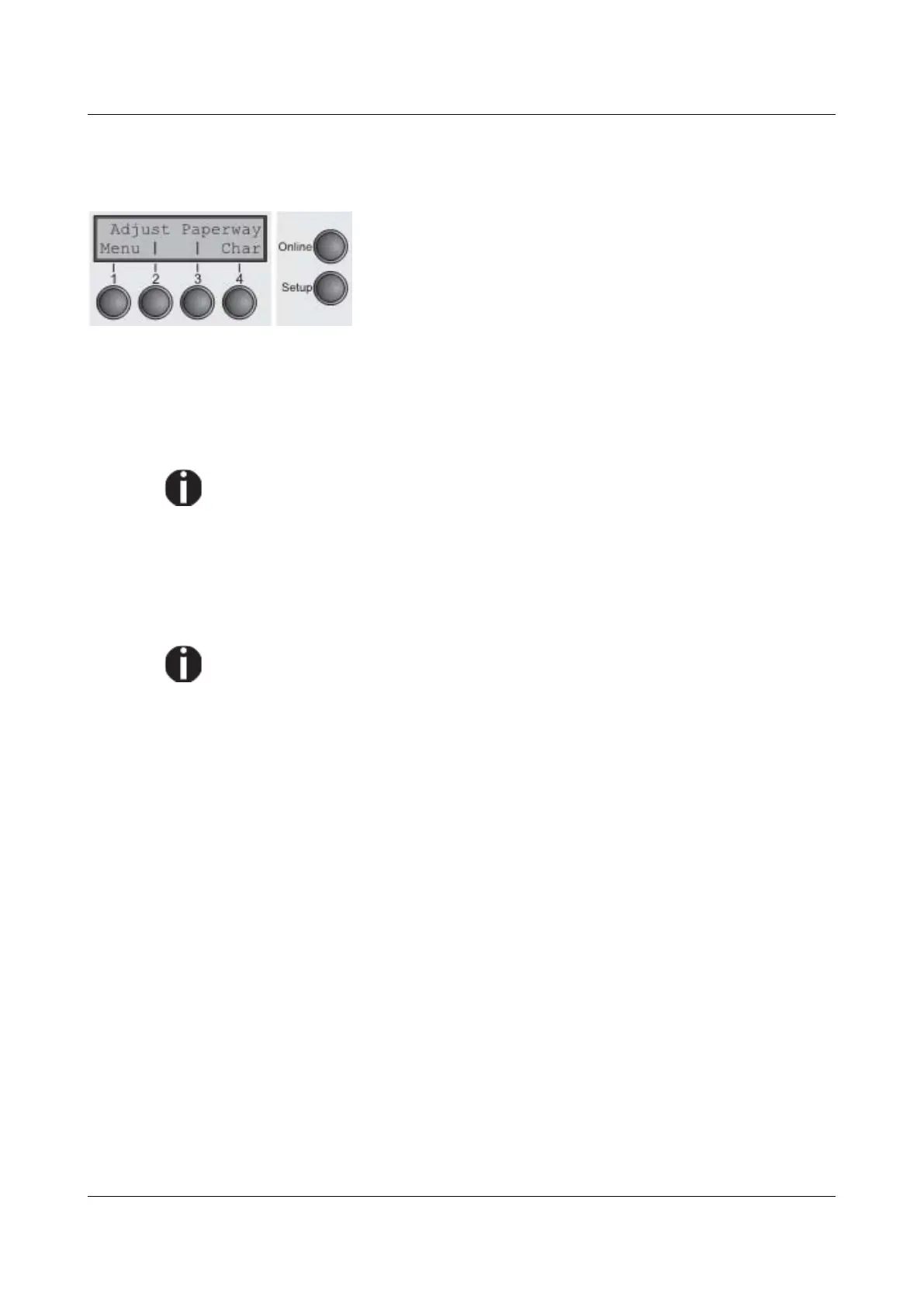
In this mode, the following settings are available:
► Setup key: Sets the printer to setup mode, in which the
following settings can be selected:
► Menu key (1): Other menu settings. Access may be
disabled by the manufacturer (see note below).
► Adjust key (2): Sets the Tear position, first printing line
and print head gap.
► Paperway key (3): Sets the Paper path.
► Char key (4): Sets the font and the number of characters
per inch.
Access to the other menu settings (Menu) may be disabled by the manufacturer.
Proceed as follows to release this lock temporarily:
Hold depressed the Setup key or the Menu key (1) for five seconds.
Or:
1 Switch off the printer for approx. 5 seconds.
2 Switch the printer on again keeping the Setup key pressed.
For information on how to enable access permanently and about the
available settings, refer to the section Menu lock (MenLock) and Menu
parameters.
27



 To Next Page