User Guide Options and accessories
Enable/Disable paper handling features (Paphand)
In the “Advanced menu” are several possibilities to improve the paper handling of
the printer even with critical paper and forms. This menu parameter enables or
disables the set features in the current active menu.
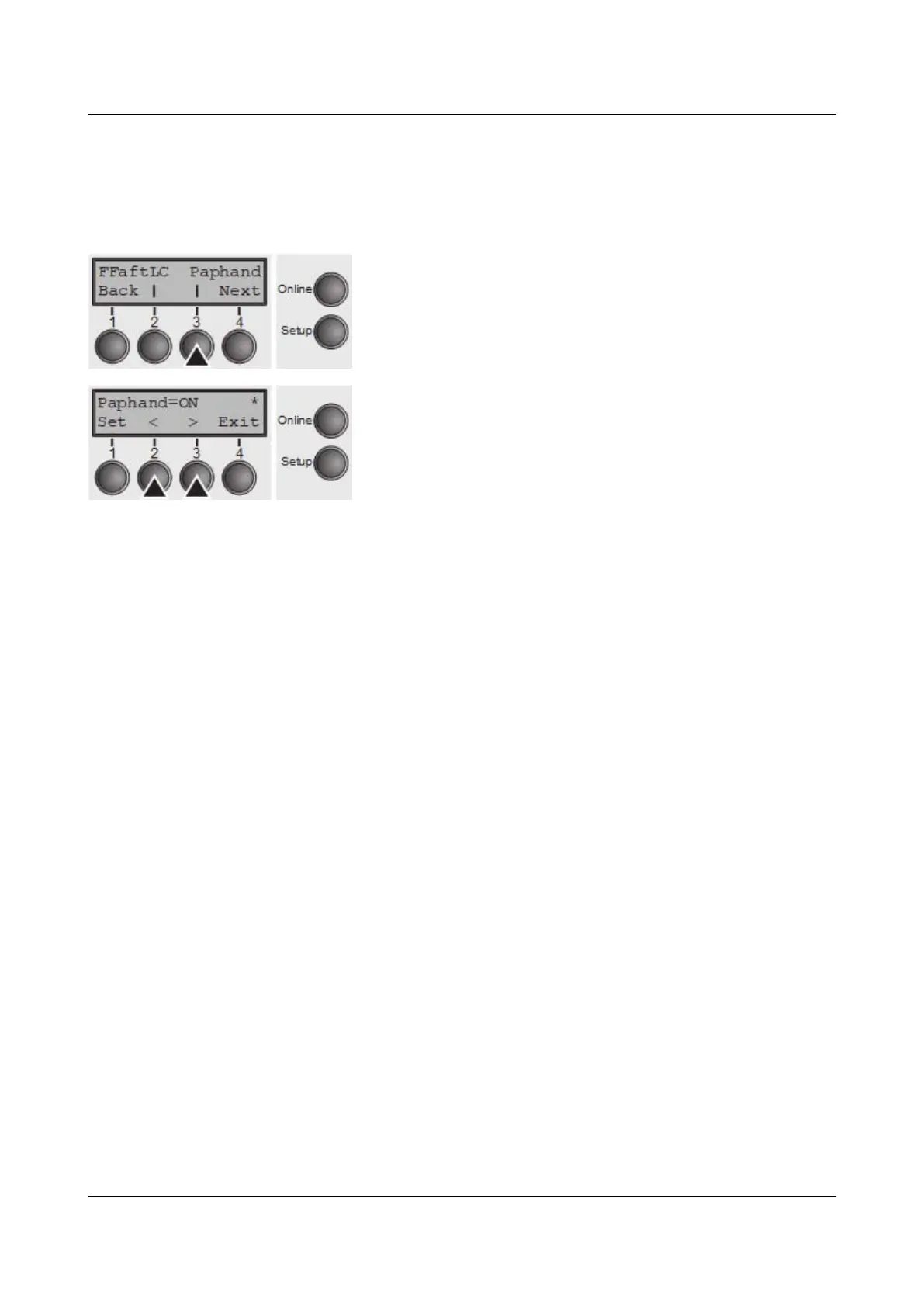
Press Paphand (3) key.
Use the < (2) or > (3) key to select the desired setting.
Setting Options: Off/On
Default Setting: On
Confirm the setting by pressing the Set key (1).
87



 To Next Page