User Guide Options and accessories
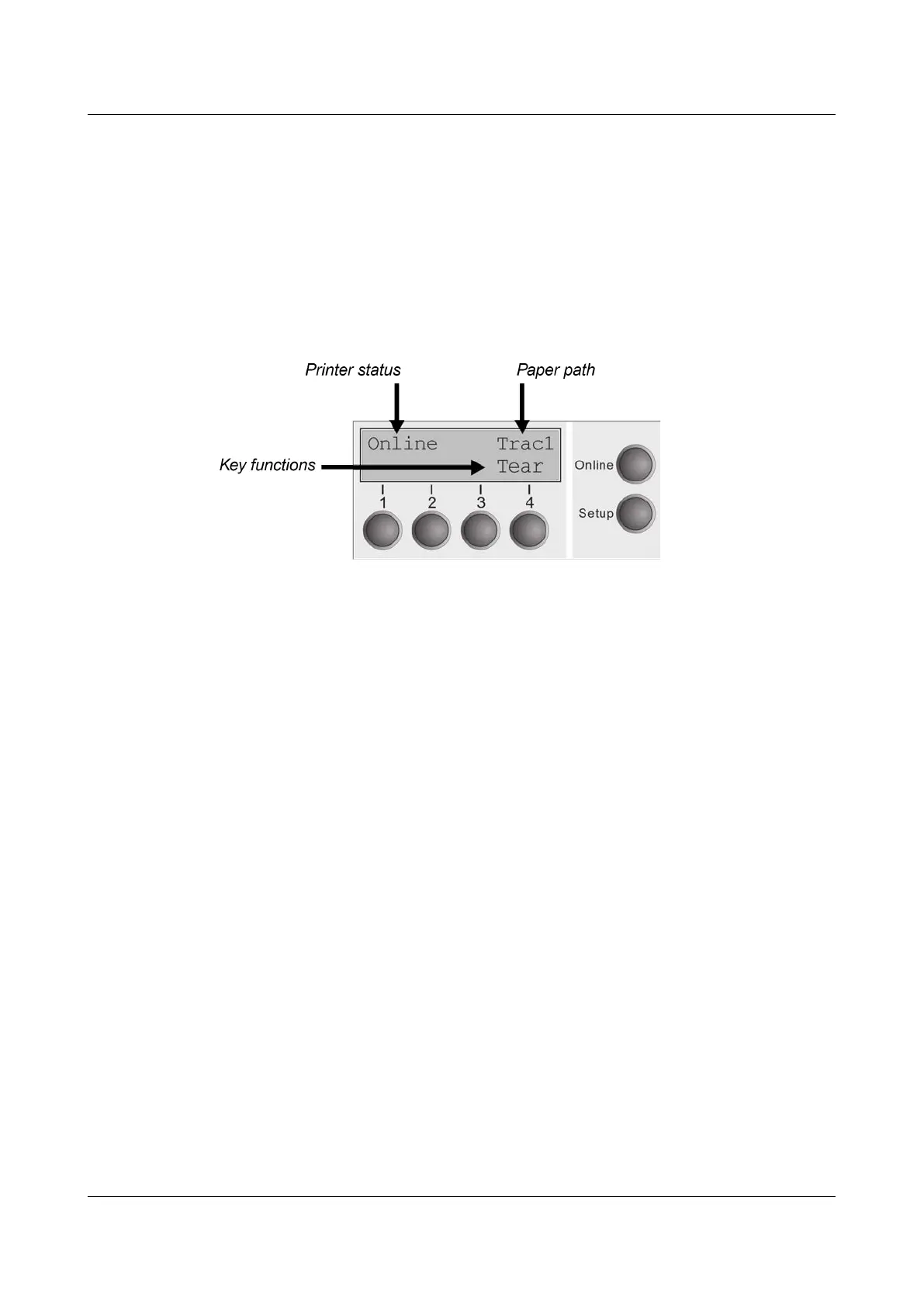
The LC display
The LC display tells you all the important printer settings and informs you which
functions are currently assigned to which keys.
The upper line informs you that the printer is either in online or offline mode (in
the example below the printer is in the Online mode), and the selected paperpath
(below: Trac1 = Tractor 1 = tractor mode, key 4 is currently activating the manual
tear).
Example:
25



 To Next Page