Options and accessories User Guide
Interf.=Share: Printer switches automatically between parallel, ethernet and
optional serial interface.
Interf.=Parallel: Printer using parallel interface only.
Interf.=Serial: Printer using serial interface only.
Confirm the setting by pressing the Set key (1). Press the Next key (4) to access
the next group of parameters.
Interface buffer (Buffer)
Selects the size of the interface buffer.
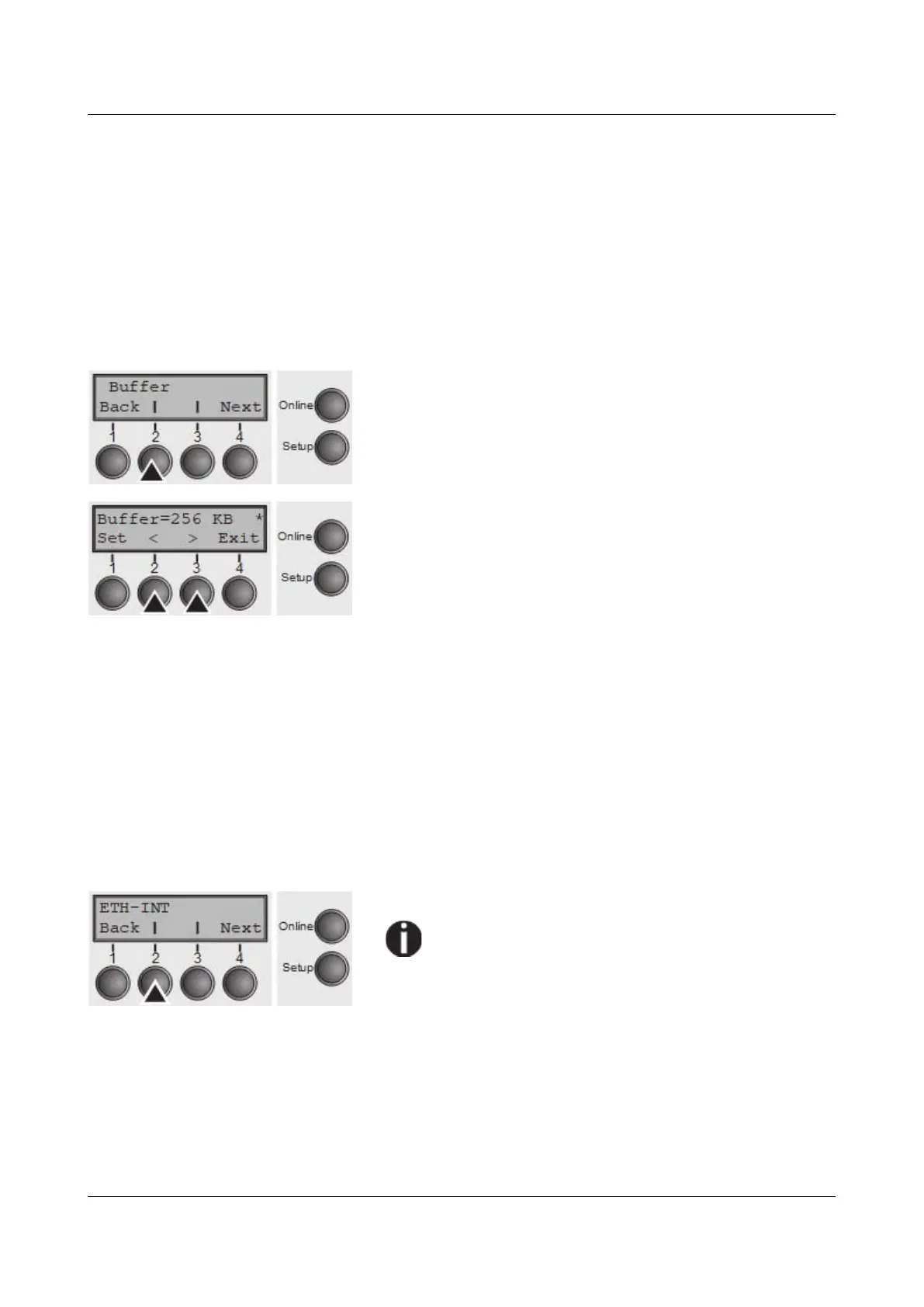
Press Buffer (2) key.
Use the < (2) or > (3) key to select the desired setting.
Setting Options: 0–256 KB
Default Setting: 256 KB
If buffer = 0 KB and the serial interface is selected, or if the setting “Share”
is active, the actual buffer size will be 512 bytes.
Confirm the setting by pressing the Set key (1). Press the Next key (4) to leave
the parameter group Interf.. Press the Next key (4) again to access the next
group of parameters.
Ethernet interface (ETH-INT)
In this parameter group you can choose settings for the internal Ethernet
interface.
Press ETH-INT (2) key.
If an optional Ethernet print server (modular or
pocket) is installed, ETH-EXT can be set via key
3.
68



 To Next Page