User Guide Options and accessories
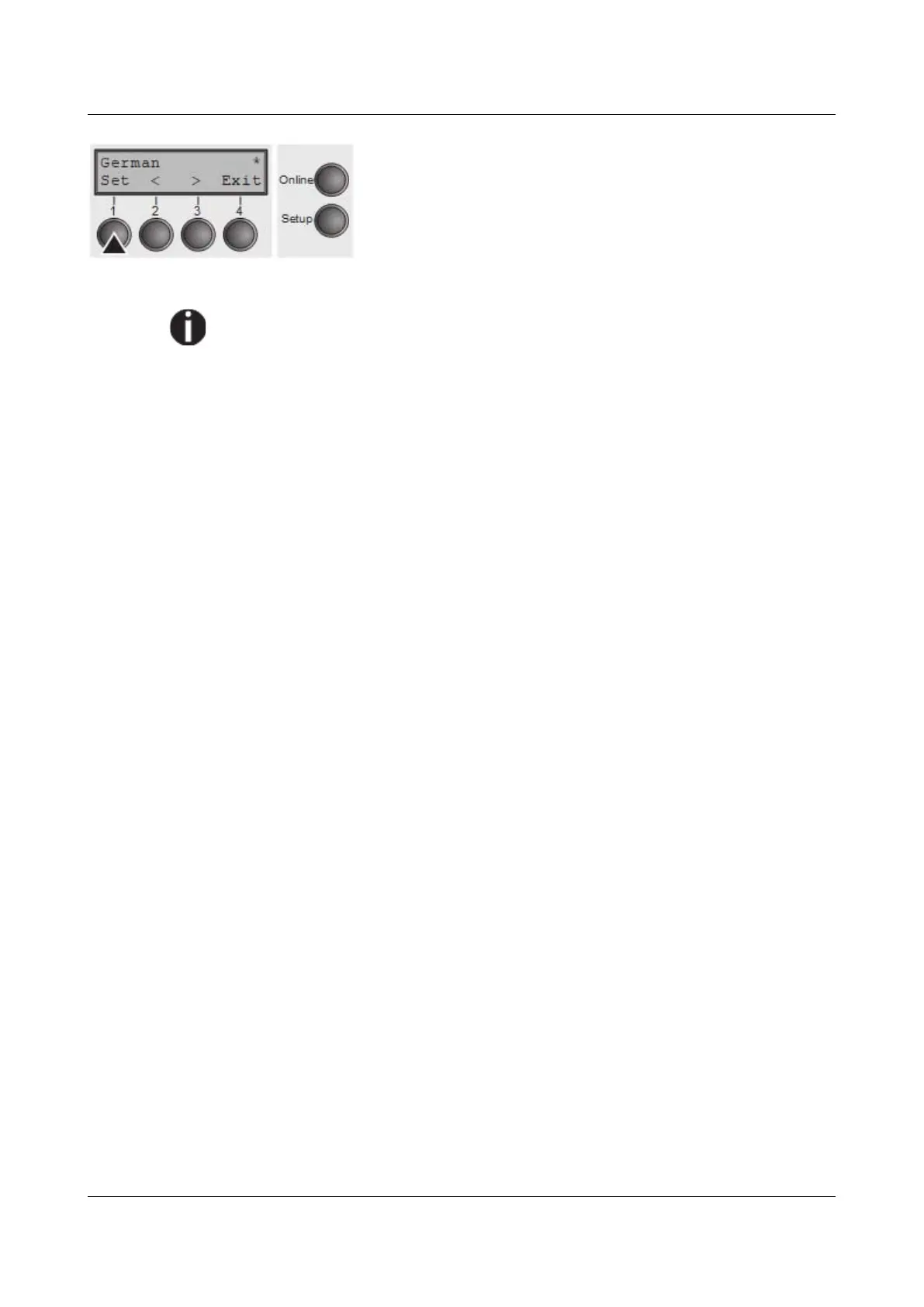
Save your selection by pressing the Set key (1). An
acoustic signal verifies this action.
You can exit Parameter mode without saving a setting by
pressing the Exit key (4), the old setting is retained.
After saving your setting (Set), the display in our example
indicates the following text:
This setting is retained even after switching off your printer.
Terminating Setup mode
Press either the Setup key to change into Offline mode or the Online key to
change to Online mode.
49



 To Next Page