Options and accessories User Guide
Settings for paper with dark back (Pap.back)
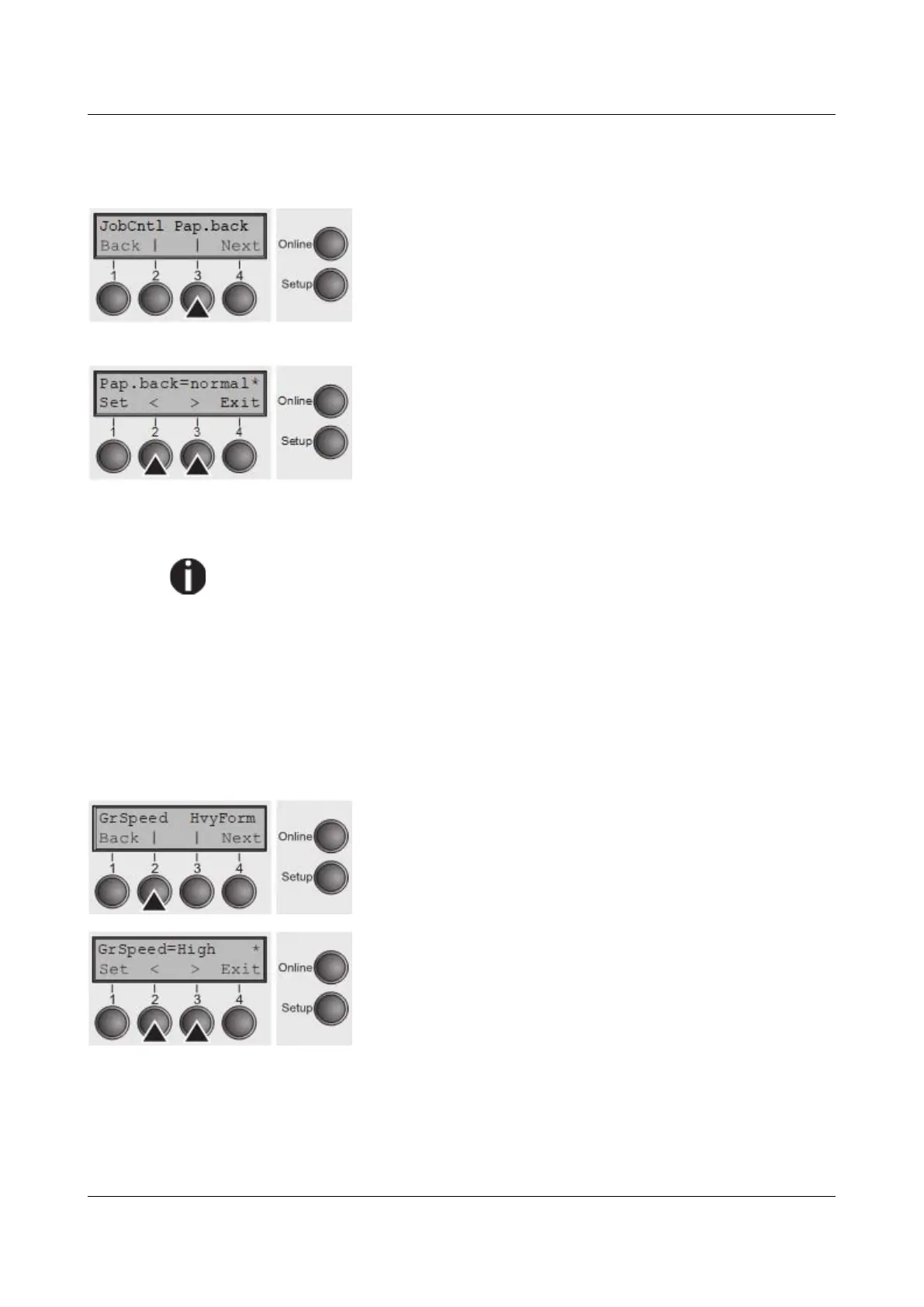
Select the Pap.back (3) menu.
Setting options: normal/dark
Default setting: normal
Pap.back = normal is the standard for normal paper.
Pap.back = dark can be set to process paper with a grey back.
Paper with a completely black back side cannot be used if the ink is
carbon-based. However, the printer can handle anilinebased black paper
(undefined colors).
Confirm the setting by pressing the Set (1) key. Change to the next parameter
group with the Next key (4).
Graphic print speed (GrSpeed)
This parameter allows improved graphic speed independently to the driver. It
affects only the print speed of graphic printouts at 180 x 180 dpi.
Select the GrSpeed (2) menu.
Setting options: Normal/High
Default setting: High
Normal means 180 dpi normal print speed (full space) and
High means 180 dpi double speed (half space).
Confirm the setting by pressing the Set (1) key.
104



 To Next Page