Options and accessories User Guide
Data format (Format)
This parameter serves to define the number of data bits, the parity check for
received data bytes and the number of stop bits per data byte.
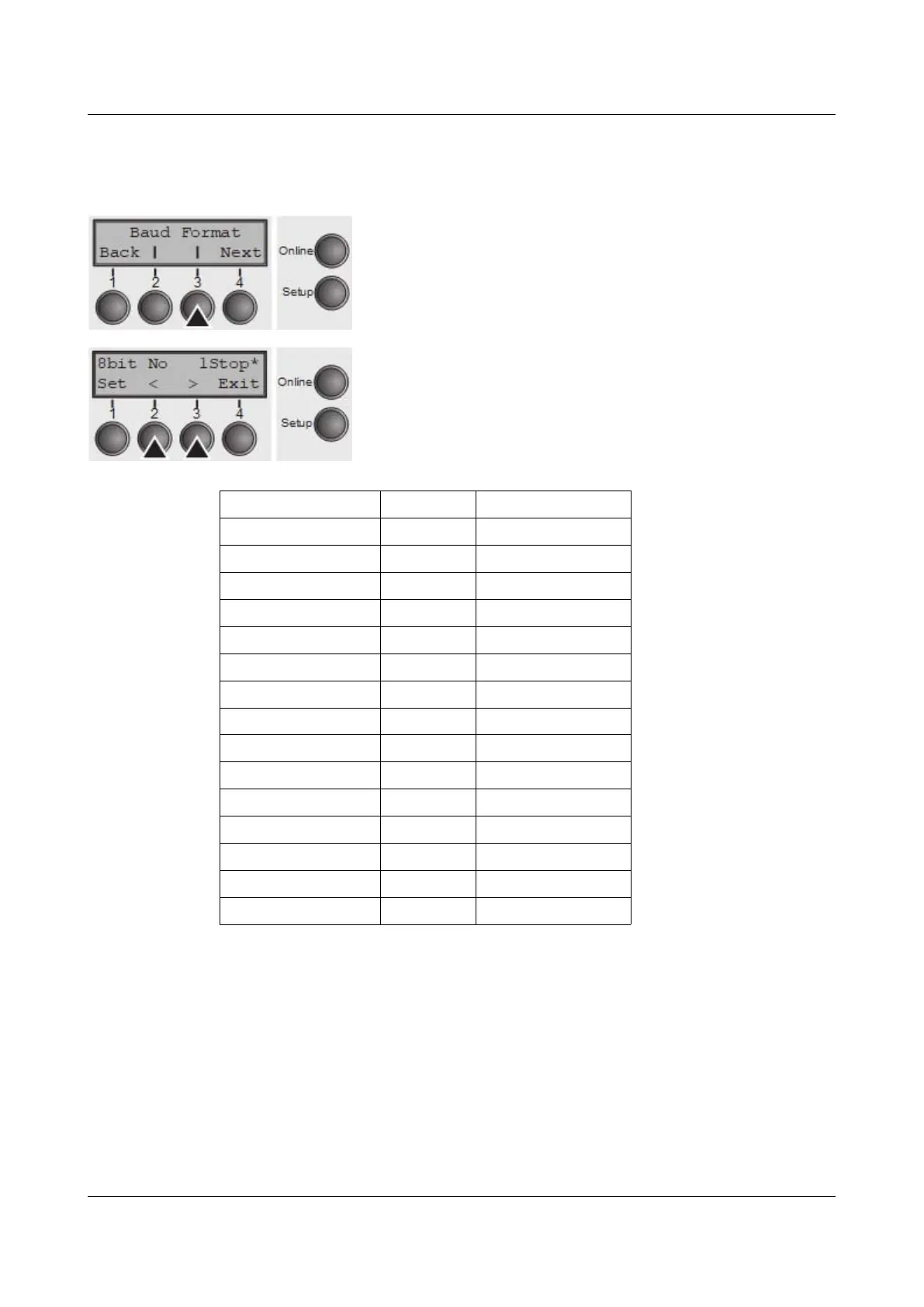
Press Format (3) key.
Use the < (2) or > (3) key to select the desired setting.
Setting Options: see table below
Default Setting: 8 Bit No 1 Stop
1 number of data bits 2 parity test 3 number of stop bits
7 Bit No 2 Stop
7 Bit Even 1 Stop
7 Bit Odd 1 Stop
7 Bit Even 2 Stop
7 Bit Odd 2 Stop
7 Bit Mark 1 Stop
7 Bit Spc 1 Stop
7 Bit Mark 2 Stop
7 Bit Spc 2 Stop
8 Bit No 1 Stop
8 Bit No 2 Stop
8 Bit Even 1 Stop
8 Bit Odd 1 Stop
8 Bit Mark 1 Stop
8 Bit Spc 1 Stop
1 Sets the number of data bits: You can select 7 or 8.
2 The parity test for received data bytes can be selected. NO causes
transmission in both directions without parity bit. If EVEN or ODD is selected, the
bytes are checked if they have even or odd parity. The selection of MARK or
SPACE causes a data byte transmission with parity bit, but without checking the
received data. Transmission data with parity bit is always marked with 1 (MARK)
or 0 (SPACE).
3 Selects one or two stop bits per data byte.
Confirm the setting by pressing the Set key (1). Press the Next key (4) to access
the next group of parameters.
64



 To Next Page