User Guide Options and accessories
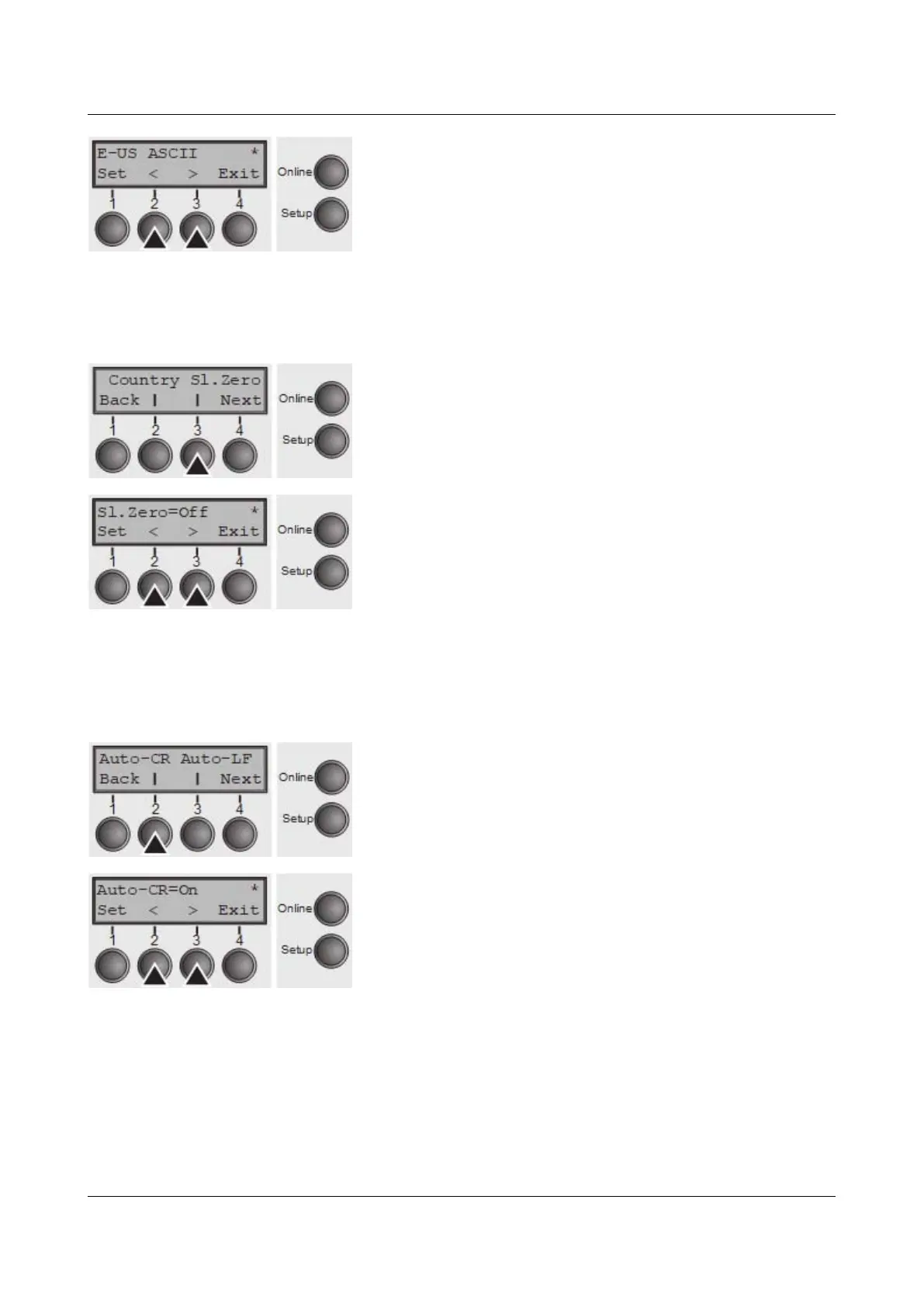
Use the < (2) or > (3) key to select the desired setting.
Setting Options: See Available character sets and fonts.
Default Setting: E-US ASCII
Confirm the setting by pressing the Set key (1).
Slashed zero (Sl.Zero)
Selects if normal zero (0) or the slashed zero (Ø) is printed.
Press Sl.Zero (3) key.
Use the < (2) or > (3) key to select the desired setting.
Setting Options: Off/On
Default Setting: Off
Confirm the setting by pressing the Set key (1). Press the
Next key (4) to access the next group of parameters.
Automatic carriage return (Auto-CR)
Switches the automatic carriage return on or off after receiving the signal LF (line
feed).
Press Auto-CR (2) key.
Use the < (2) or > (3) key to select the desired setting.
Setting Options: Off/On
Default Setting: On
Confirm the setting by pressing the Set key (1).
73



 To Next Page