User Guide Options and accessories
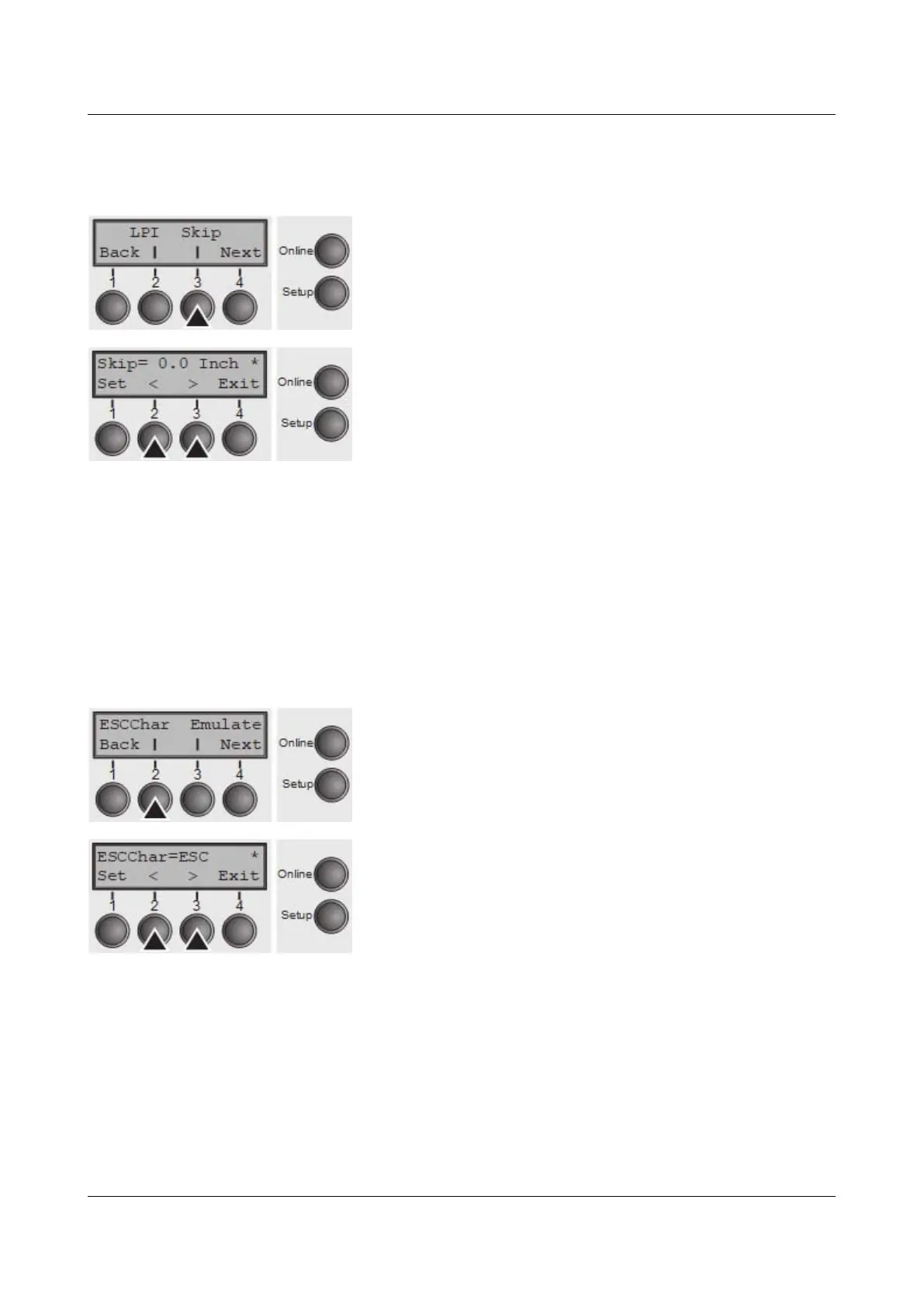
Skiping perforation (Skip)
Skips the perforation; 7 different values (in inches) can be defined.
Press Skip (3) key.
Use the < (2) or > (3) key to select the desired setting.
Setting Options: 0.0 to 3.5 Inch in steps of 0.5 inch
Default Setting: 0.0 Inch
Confirm the setting by pressing the Set key (1). Press the Next key (4) to access
the next group of parameters.
Selecting start signal for escape sequence (ESCChar)
Selects the start signal for control sequences. Setting ESC: Only character
Escape can be used. Setting ESC+$$: Character Escape or alternatively two $
characters
($$) can be used. For more information see the section The $$ procedure.
Press ESCChar (2) key.
Use the < (2) or > (3) key to select the desired setting.
Setting Options: ESC/ESC+$$
Default Setting: ESC
Confirm the setting by pressing the Set key (1).
61



 To Next Page