User Guide Options and accessories
Menu parameters
The following section introduces and explains all the possible menu settings.
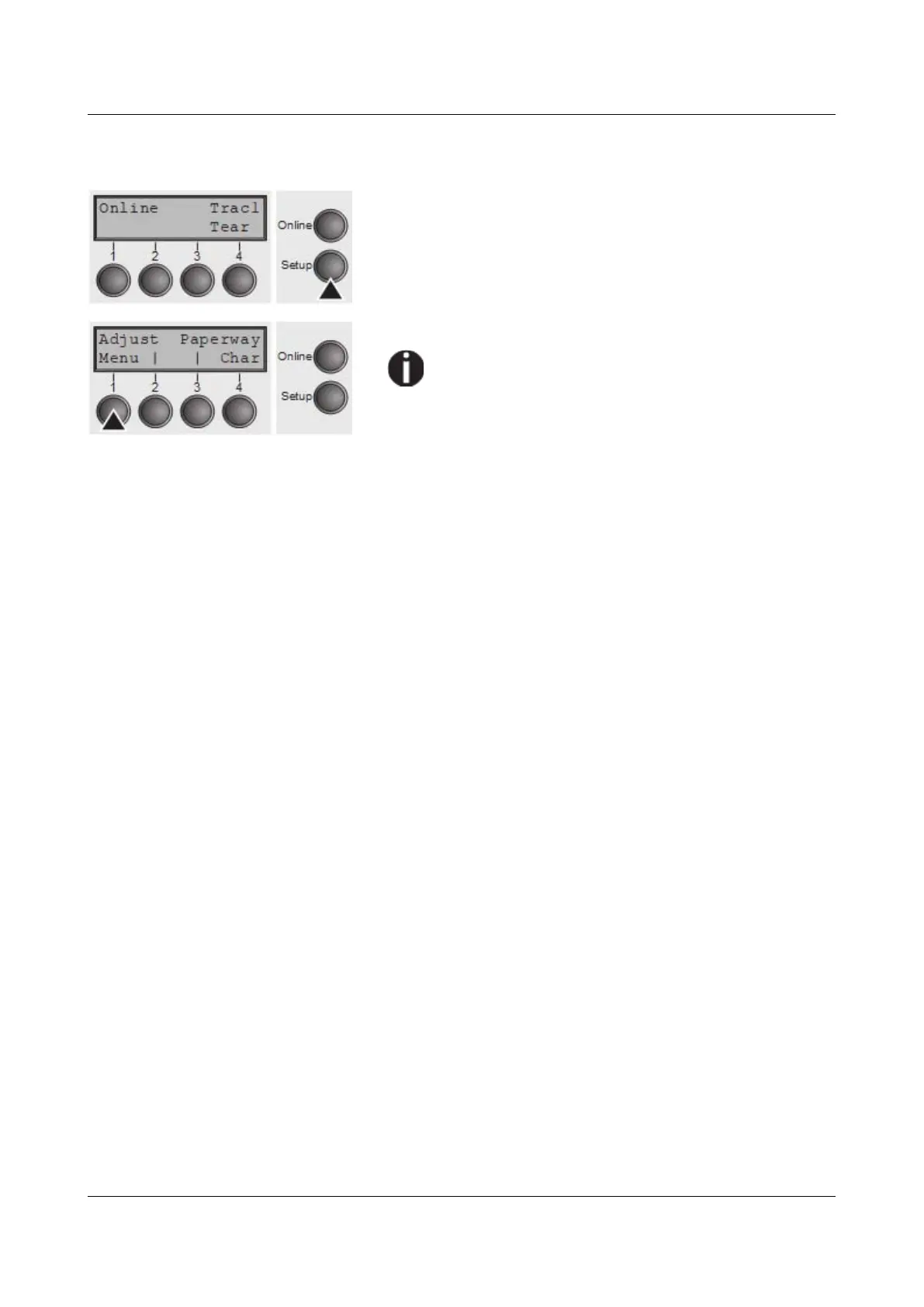
Press Setup key.
Press Menu (1) key.
Setup mode and Menu mode may be disabled.
Hold down the Setup key while switching on the
printer to enable menu mode. If you want to
enable access to this mode permanently, you
need to change the appropriate setting in the
menu; see Menu lock (MenLock).
51



 To Next Page