Options and accessories User Guide
Paper handling
This section describes how to load fanfold paper, transport paper and move the
paper to the tear position.
Loading paper
Your printer can process fanfold paper. For informations on allowable paper
formats, refer to the section Paper specifications.
Only use dust-free or low-dust paper. Many paper qualities are suitable for
this printer. For more information, please refer to the section Paper
specifications.
Open the front cover.
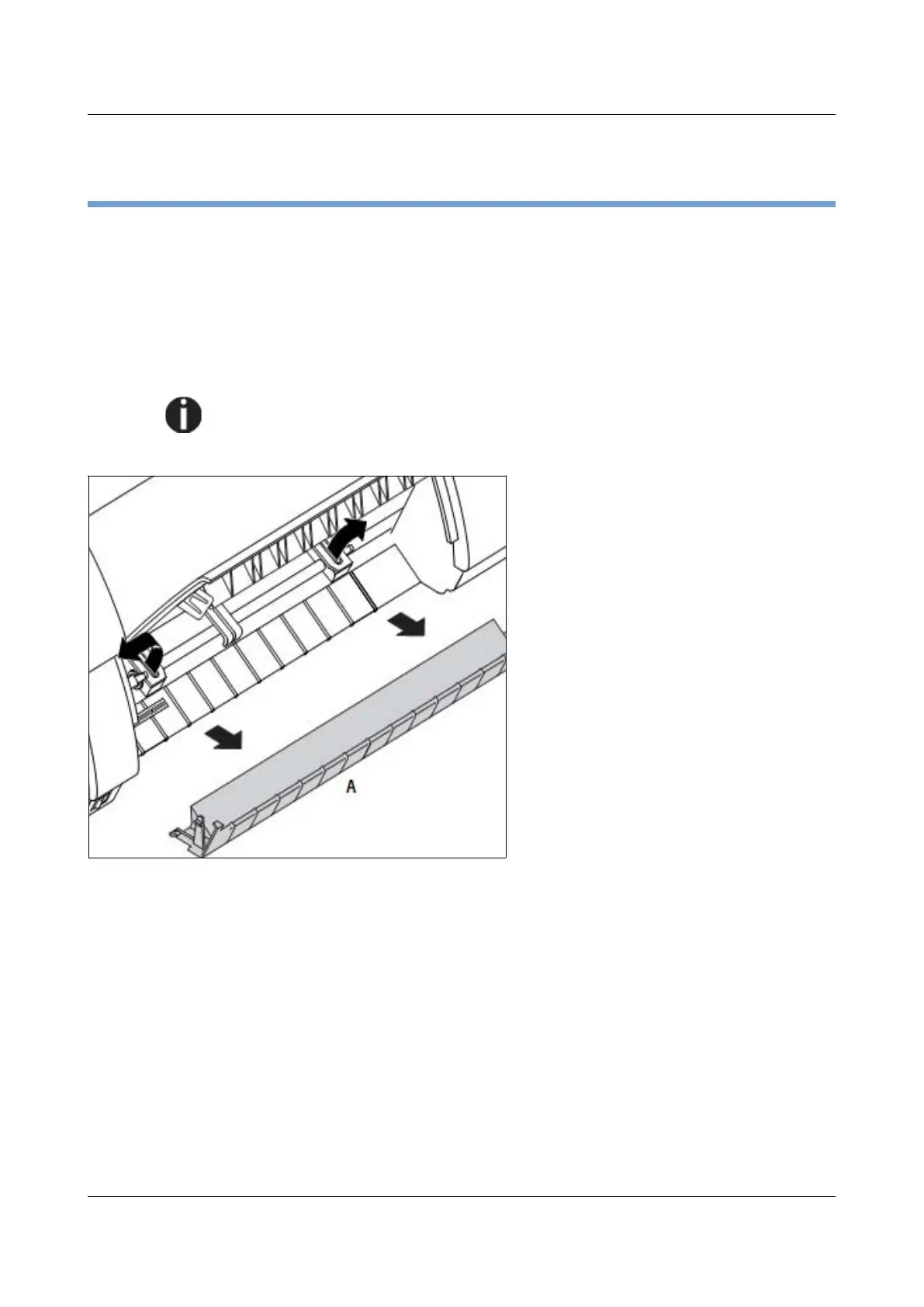
Remove the bottom cover A.
Open the right and left tractor flaps.
32



 To Next Page