User Guide Options and accessories
Printer drivers
You need to install a printer driver so that the printer can process the data from
your application programs.
An original driver offers the best conditions for optimal printing results. All
available printer drivers can be found on the CD-ROM enclosed with the printer,
as well as on our i nternet site, from which you can also download updated
versions as necessary.
We are offering the following drivers:
Windows V3 driver for Vista/7/8/8.1/10 and Server 2008-2016 (32/64bit)
V3 is the previous driver architecture from Windows supporting internal printer
fonts.
Windows V4 driver for 8/8.1/10 and Server 2012-2016 (32/64bit)
V4 is the new, prospective driver architecture from Windows which will not
support printer internal fonts - only Windows fonts will be supported!
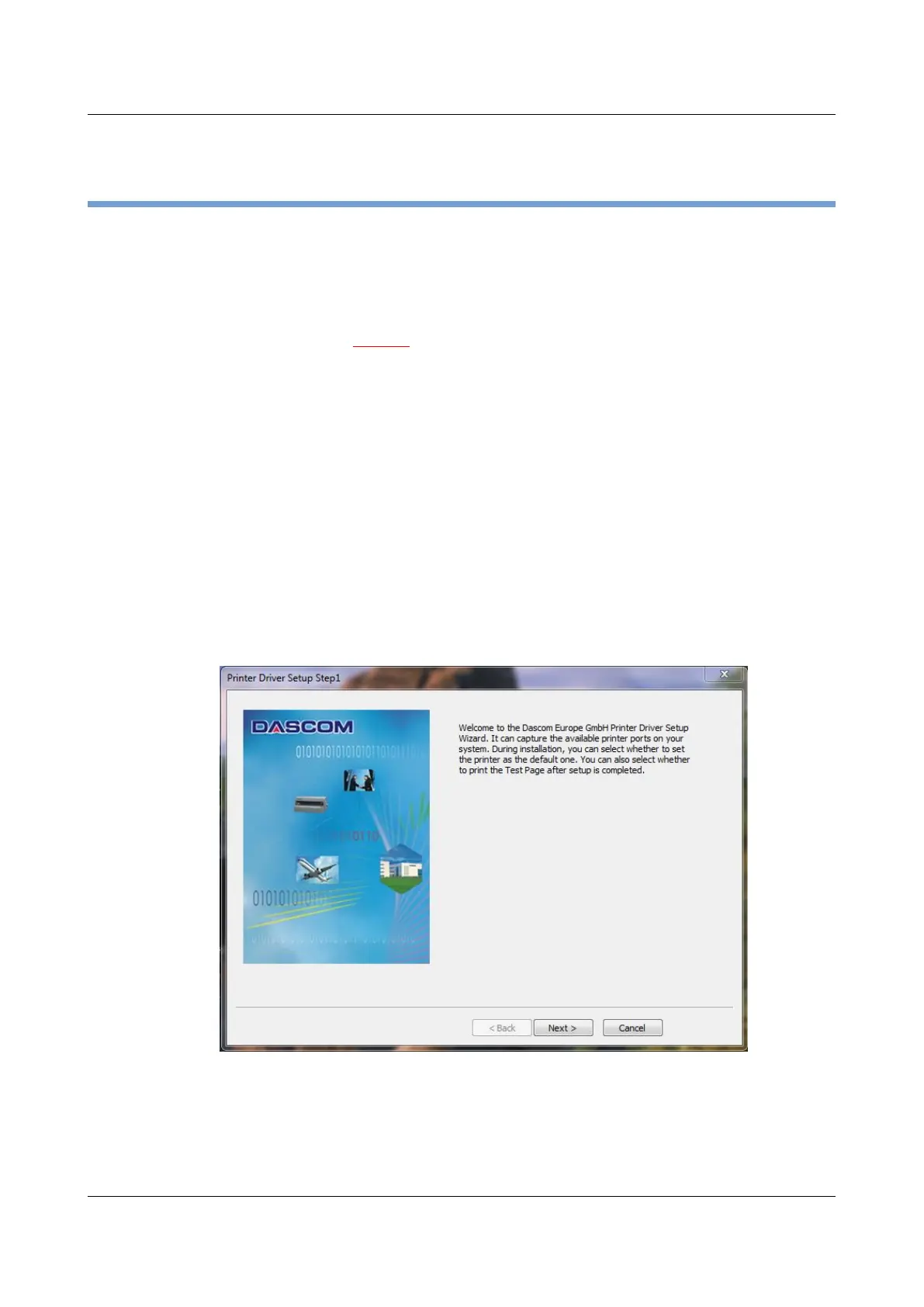
Installing a printer driver in Windows
To install the printer drivers easily please use the DriverSetup.exe wizard which
will be part of the drivers:
21



 To Next Page