User Guide Options and accessories
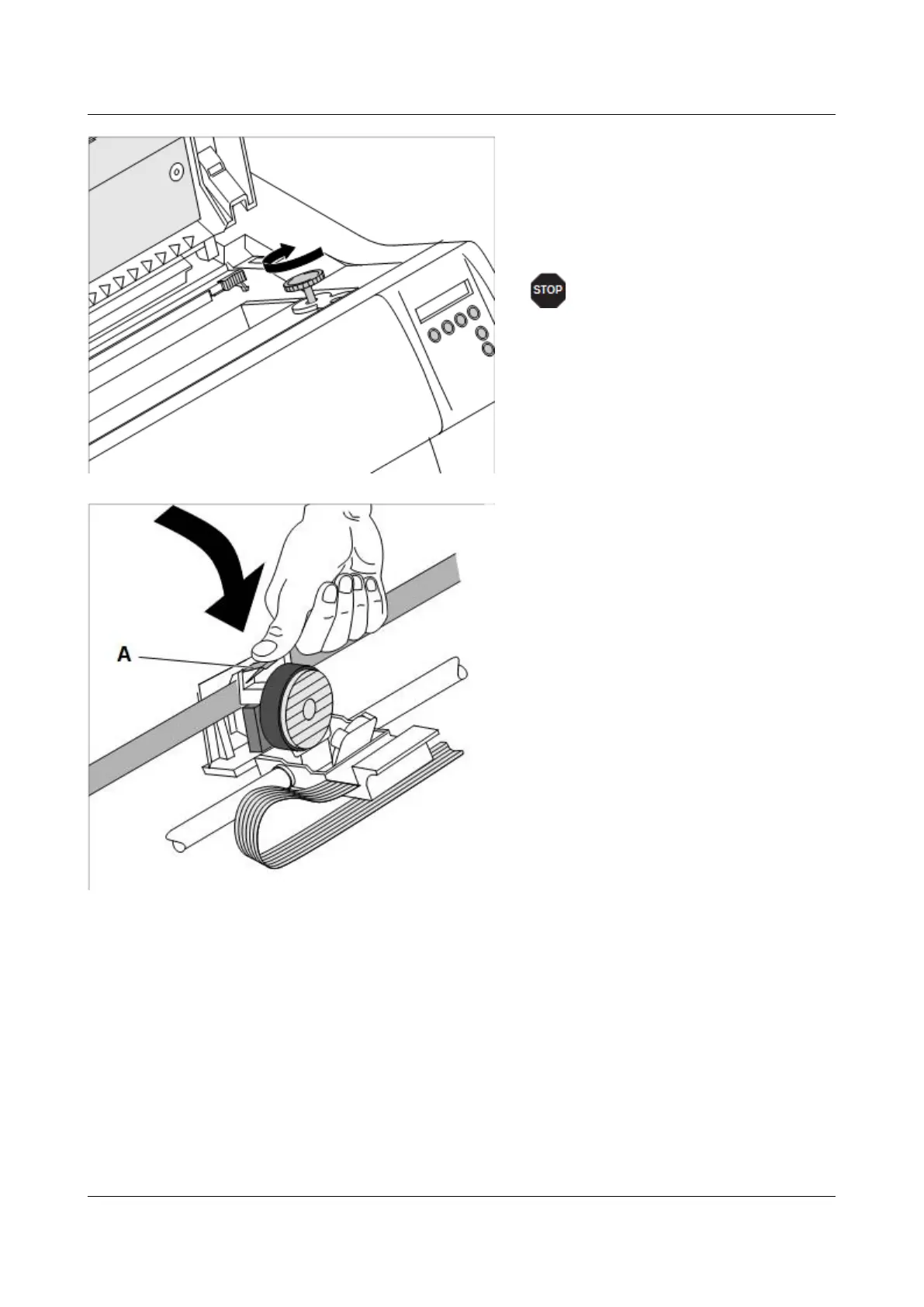
Insert the coloured tension knob into
one of the two locations.
Turn the tension knob in the direction of
the arrow to take up slack in the ribbon
until it is seated correctly at the bottom
in the ribbon support.
Remove the knob.
Press down the coloured insertion
tongue A.
19



 To Next Page