User Guide Options and accessories
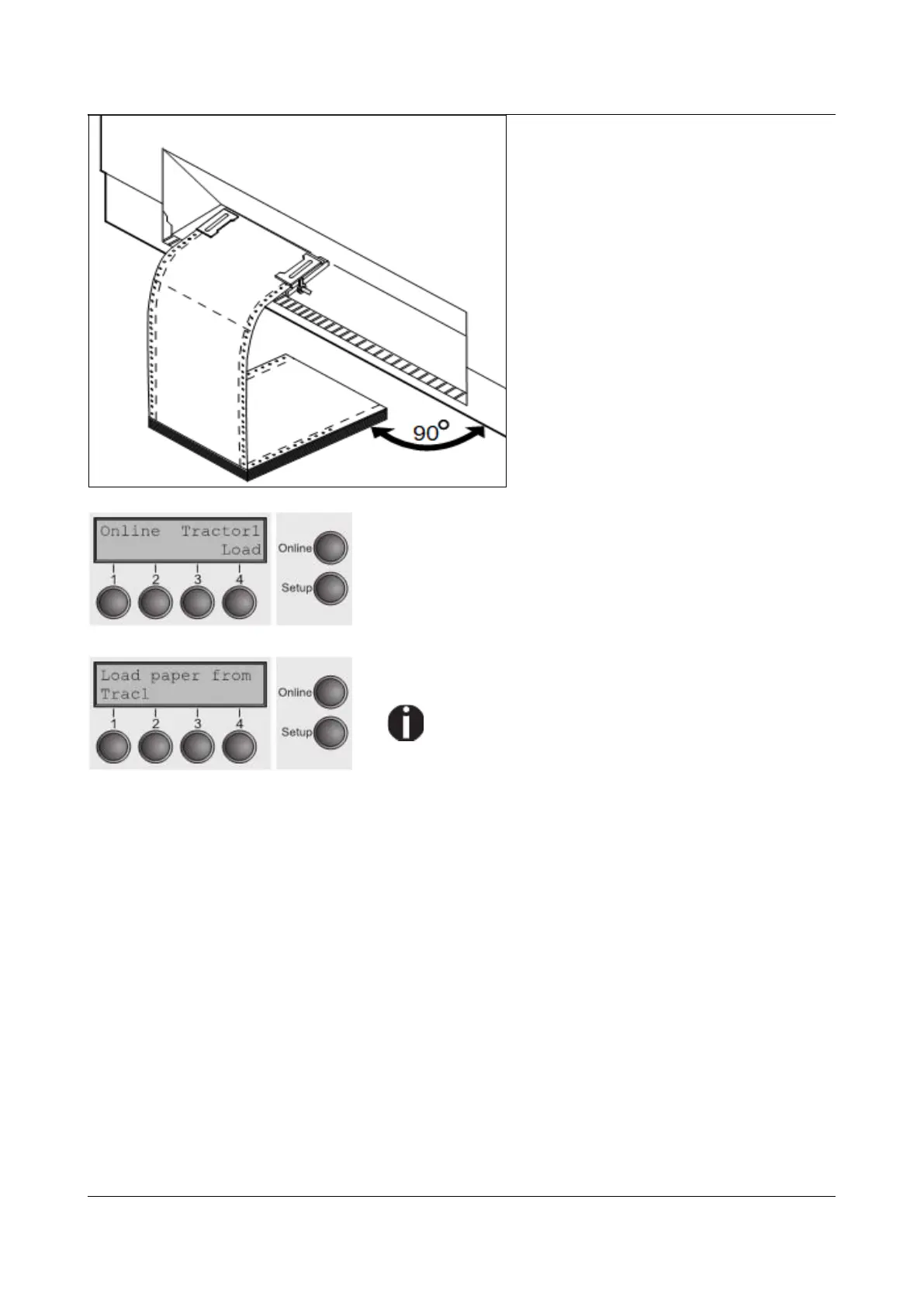
Make sure to align the paper stack in
parallel with the printer and that the
paper flow is unobstructed.
Lower the front cover.
Switch the printer on. The active paper
source (Tractor1) appears in the
display. The display alternates
between…
and …
The paper is automatically loaded when the printer is in
online mode and receives data from the computer.
Press the Load (4) key only to load paper before
starting the printout. However it is
recommended to let the receiving data load the
paper.
35



 To Next Page