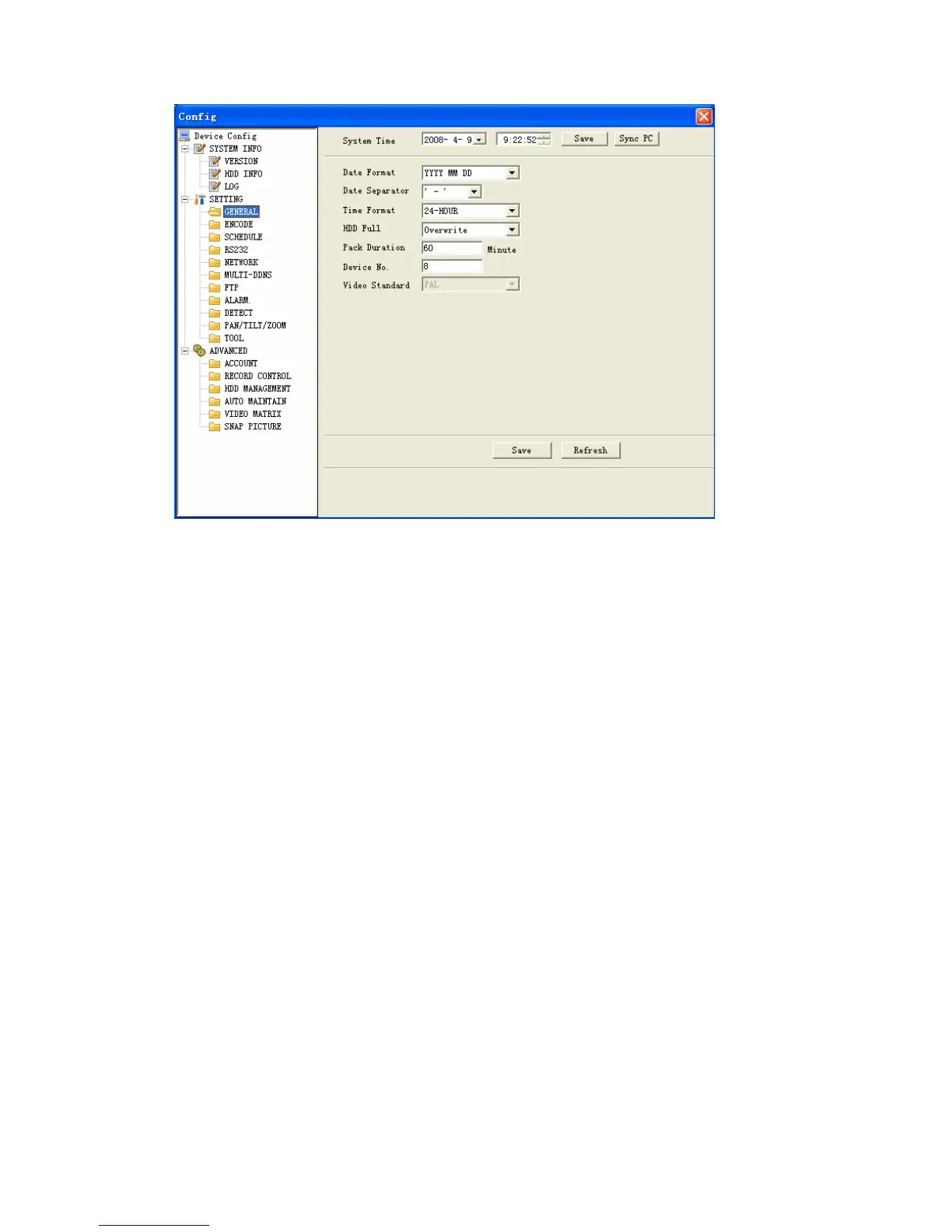
Figure 7-25
Encode
Encode setup includes the following items. See Figure 7-26.
Here you can select
Channel: Here is for you to select a channel.
Channel name: Modify channel name.
Data stream: Regular and extra data stream.
AV enable: Video/Audio. System only displays video by default. You need to
manually enable audio function.
Bit rate: There are two options: CBR and VBR. You can only set video quality in
VBR mode.
Frame rate: The value ranges from 1f/s to 25f/s (PAL) and 1f/s to 30f/s (NTSC).
Compression: There are two options: H.264 and MPEG 4.
Resolution: D1/HD1/DCIF/CIF
Quality: The value ranges from 1 to 6. The level 6 is the best video
quality.
105



 To Next Page