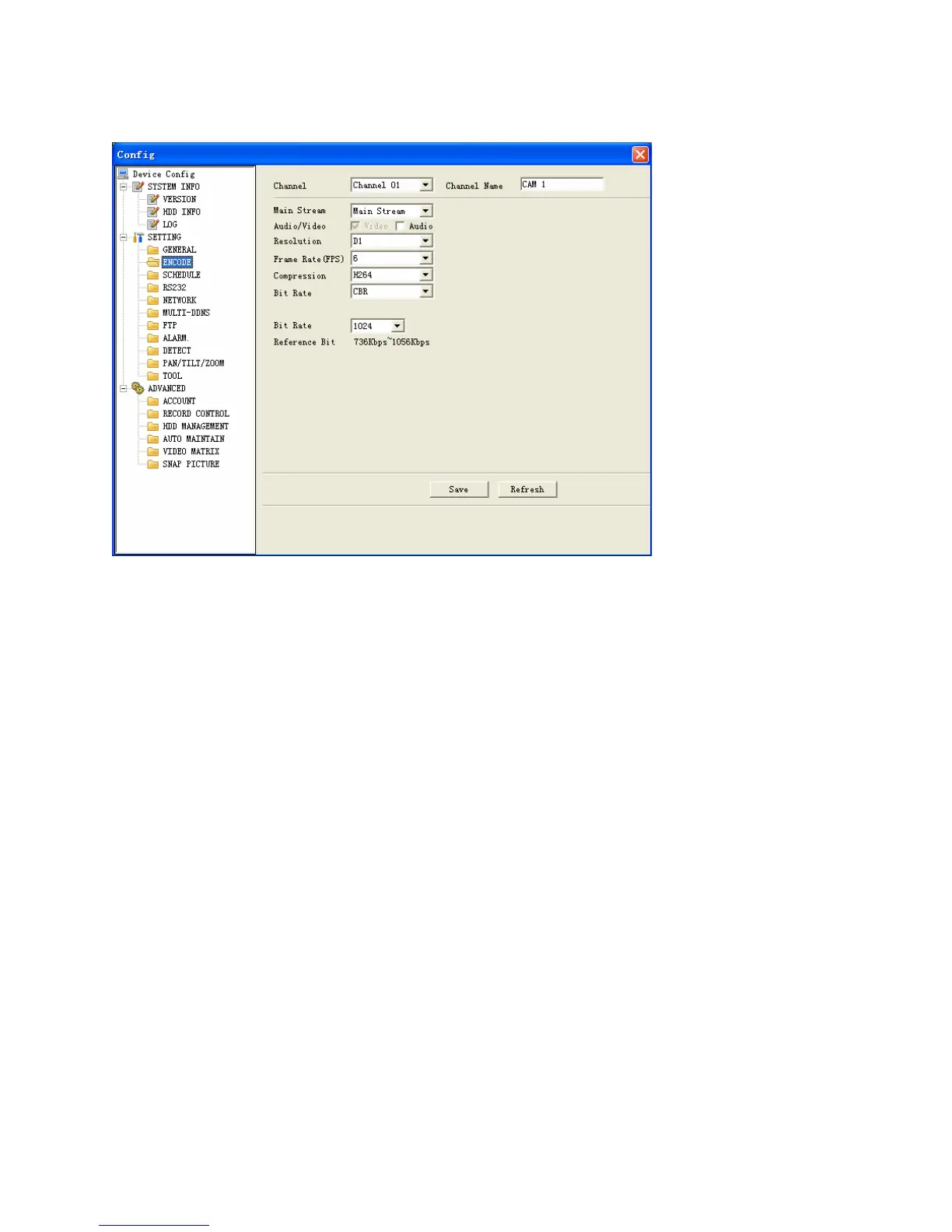
Figure 7-26
Schedule
Schedule includes the following interface. See Figure 7-27.
When DVR boots up, it is in 24-hour continuous record. In this interface you can set
record type, record time and period. Record type includes regular record(R), motion
detection record (M) and alarm record (A).
Channel: select the channel number you desire.
Week: you can select from the dropdown list. Or you can select at the bottom of
the interface.
Prerecord: system can record the three to five seconds video before activating
the record operation into the file.(Depends on data size)
Period: There are six periods for you to set. Please click set button of the
corresponding period. See Figure 7-28.Please note all the setup here shall be in
one day. E.g. 00.00 to 24.00.
106



 To Next Page