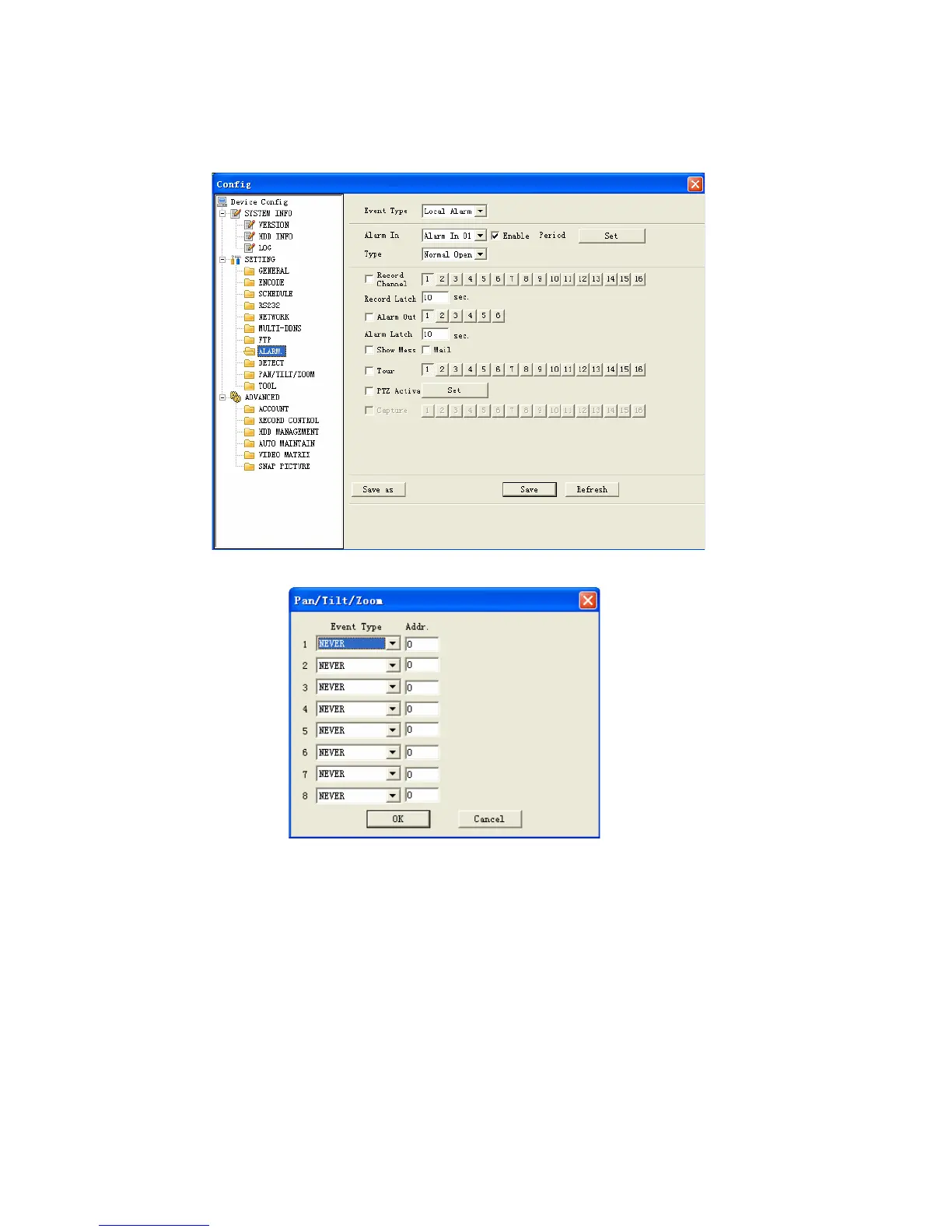
Figure 7-36
Figure 7-37
Detect
Detect interface is shown as in Figure 7-38.
Here includes the following items:
Channel: Select channel name from the dropdown list.
Type: There are three types: motion detection/Video loss/Camera mask
detection.
Record channel: Here you can select record channel (Multiple choices). Please
make sure you have set MD record in encode interface(Main Menu->Setting-
>Schedule) and schedule record in manual record interface(Main Menu-
>Advanced->Manual Record)
113



 To Next Page