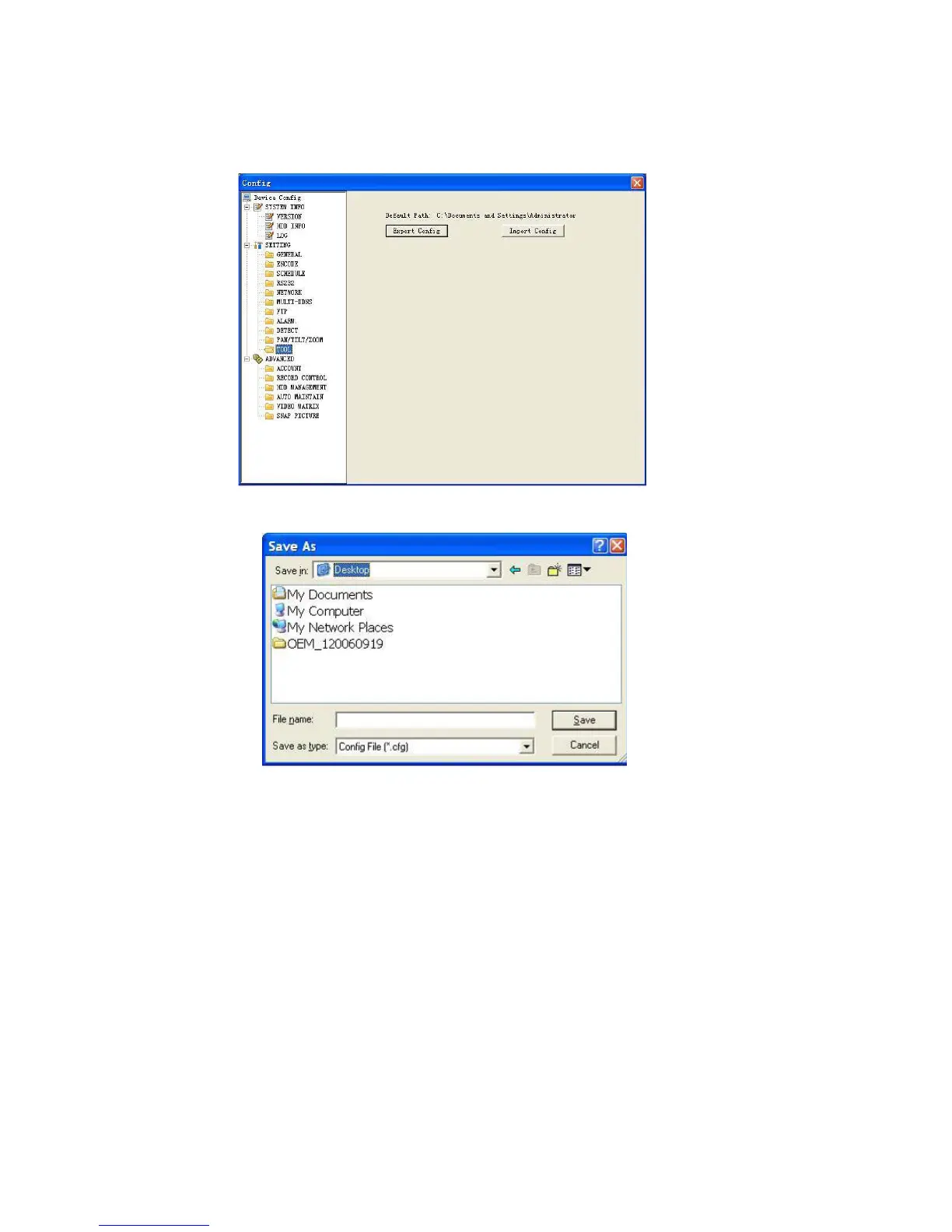
Save configuration data:
Click export config button to save current setup as a file.
Extension name is CFG. See Figure 7-45.
Load configuration data: Click import config button, you can load a setup file.
Figure 7-44
Figure 7-45
7.3.2.1 Advanced
Advanced includes the following items. See Figure 7-46.
Account
HDD management
Alarm input
Alarm output
Auto maintain
Video matrix
Snapshoot
Account
Account interface is shown as in Figure 7-46. Here you can add/delete user,
add/delete group, modify user or group right, modify user password.
117



 To Next Page