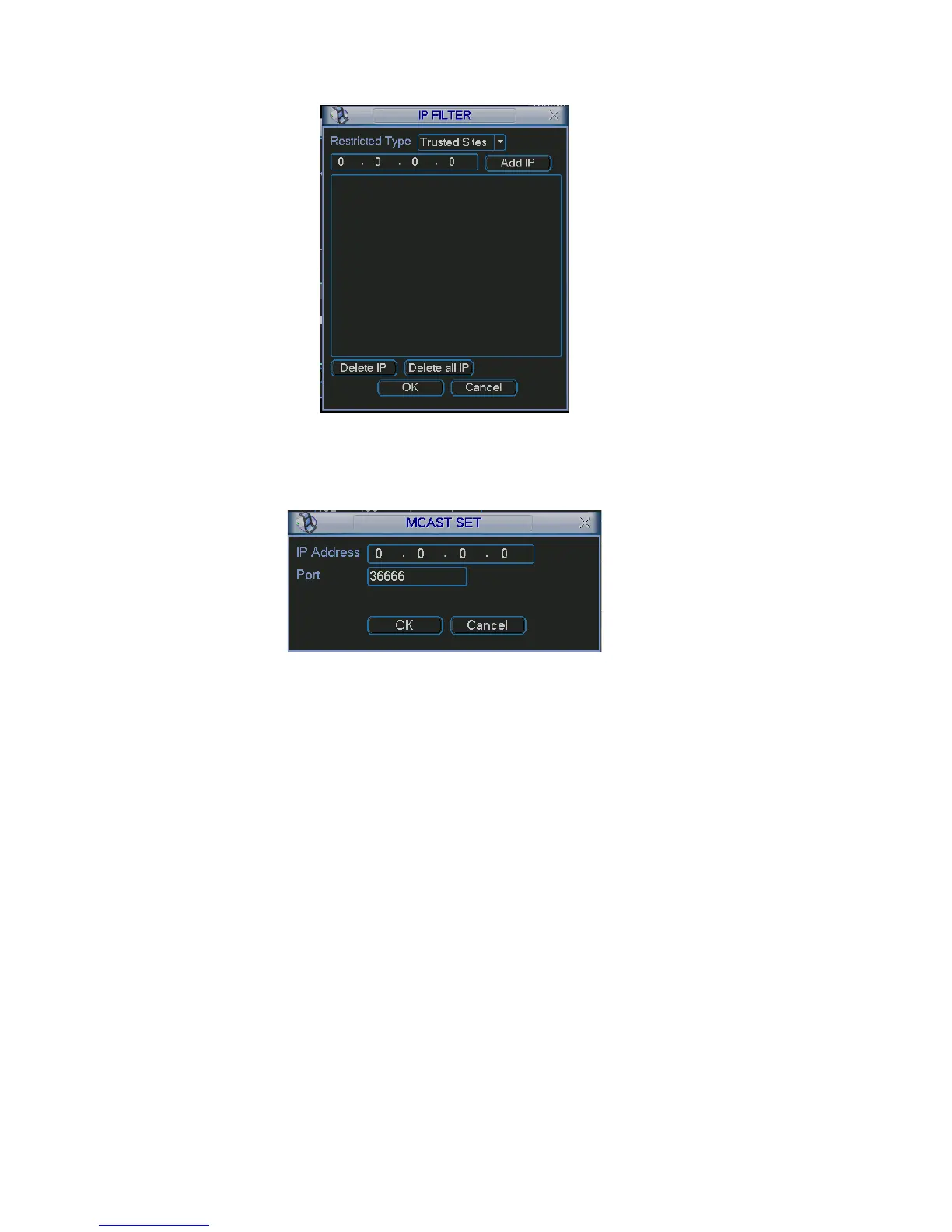
Figure 5-12
5.3.5.3 Multiple Cast Setup
is shown as in Figure 5-13.
Multiple-cast setup interface
Figure 5-13
Here you can set a multiple cast group. Please refer to the following sheet for
oup address
it of the first byte=”1110”
ut telegraph
ystems in the sub-net
addressees
detailed information.
IP multiple cast gr
-224.0.0.0-239.255.255.255
-“D” address space
The higher four-b
Reserved local multiple cast group address
-224.0.0.0-224.0.0.255
-TTL=1 When sending o
-For example
224.0.0.1 All s
224.0.0.2 All routers in the sub-net
224.0.0.4 DVMRP router
224.0.0.5 OSPF router
224.0.0.13 PIMv2 router
Administrative scoped
-239.0.0.0-239.255.255.255
-Private address space
65



 To Next Page