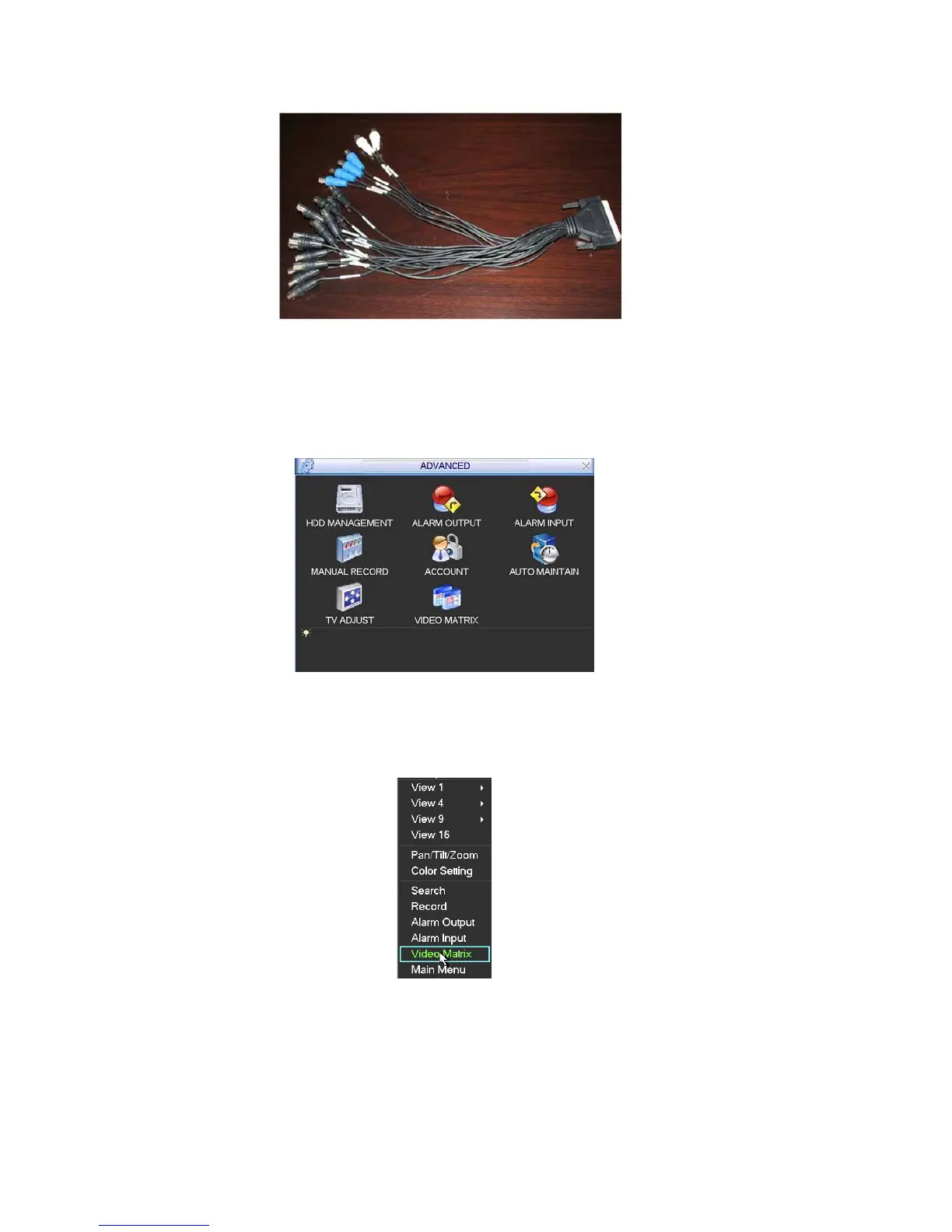
Figure 5-38
5.5.8.5 Matrix setup
Matrix Interface
Matrix”. You can see an interface is shown
5.5.8.5.1 Enter Video
In the menu, from “Advanced” to “Video
as in Figure 5-39.
Figure 5-39
5.5.8.5.2 Right Mouse Menu
e, right click mouse to select “Video Matrix”. See Figure In one-window display mod
5-40.
Figure 5-40
5.5.8.6 Video Matrix Interface and Application
5-41.
The video matrix interface is shown as in Figure
79



 To Next Page