5-19
3550 LCR Meter Instruction Manual Programming and Interfacing
RS-232C
Monitor Output Format
Output in Relation to Limit Monitor Command "LIM"
Absolute Value Settings Mode
This will output the PANEL No., BIN No., LOW LIMIT, and HIGH LIMIT for BIN No.1No.9 in the
order of DISPLAY A and then DISPLAY B.
However, if "LIM" is sent when the Panel Number is"0", the system will announce an error.
Output Format Sample
P1_BIN1_CP0_+9.9000E-03H/+10.100E-03H_+1.0000E+00R/+10.000E+00R
P1_BIN2_CP0_+9.8000E-03H/+10.200E-03H_+10.000E+00R/+100.00E+00R
P1_BIN3_CP0_+9.7000E-03H/+10.300E-03H_+100.00E+00R/+1.0000E+03R
P1_BIN4_CP0_------------/------------_------------/------------
P1_BIN5_CP0_------------/------------_------------/------------
P1_BIN6_CP0_------------/------------_------------/------------
P1_BIN7_CP0_------------/------------_------------/------------
P1_BIN8_CP0_------------/------------_------------/------------
P1_BIN9_CP0_------------/------------_------------/------------
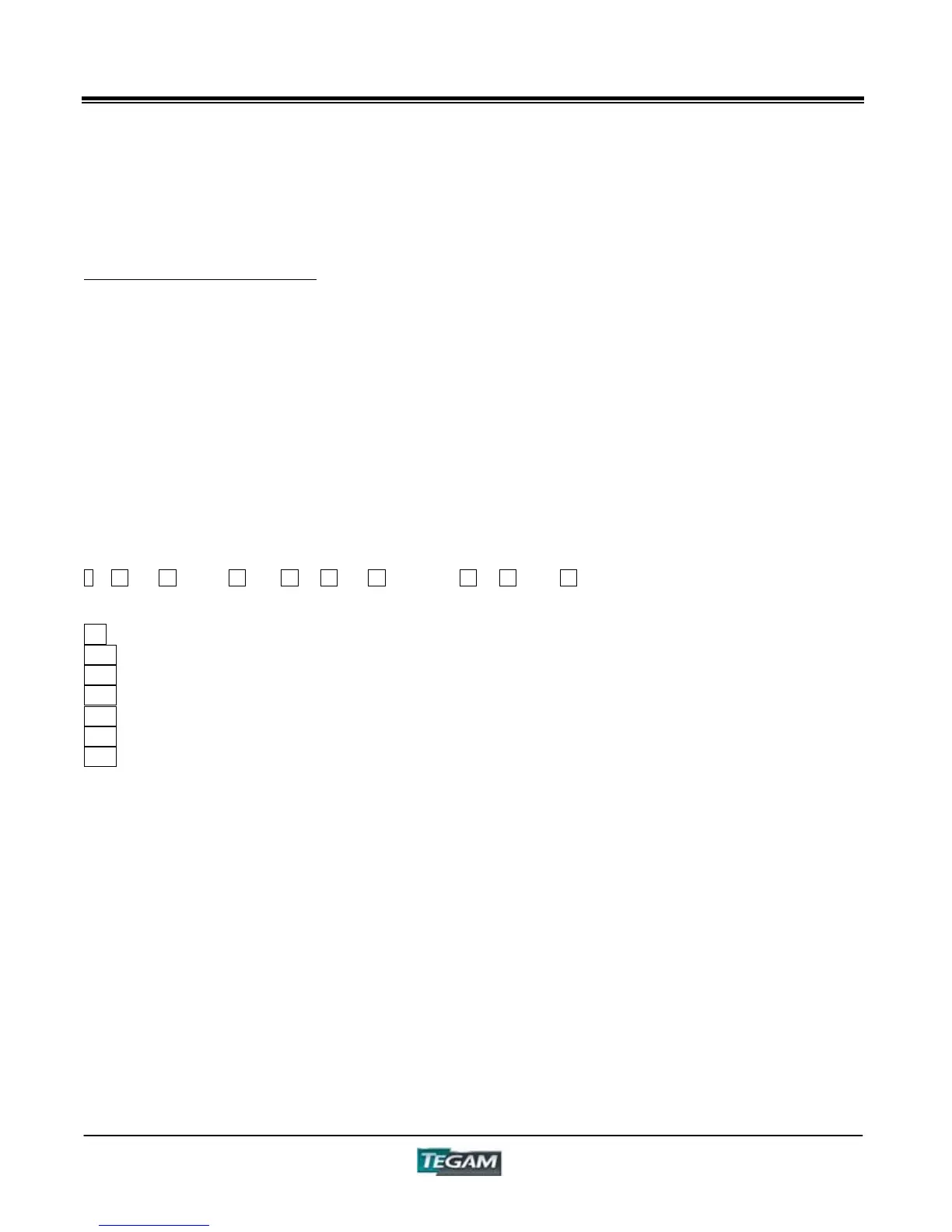
1 14 18 15 16 17 15 16 17 13
1 - Panel Number
13 - Delimiter
14 - BIN Number
15 - Low Limit Setting Value
16 - Divider for High/Low Settings (2Fh)
17 - High Limit Setting Value
18 - Comparator Mode
NOTES:
Places with no setting will be filled with "------------" (ASCII Code 2Dh×12)
D, Q, and LJ will have a "_"(ASCII Code 5Fh) for their "Unit"
In Output Format Sample, the "_" denotes a space (ASCII Code 20h)



 To Next Page