5-20
3550 LCR Meter Instruction Manual Programming and Interfacing
RS-232C
Monitor Output Format
Output in Relation to Limit Monitor Command "LIM"
% Setting Mode
Output Format Sample
P1_BIN1_CP1_+10.000E-03H_005.00%/006.00%_+1.0000E00R_010.00%/010.00%
P1_BIN2_CP1_+10.000E-03H_010.00%/010.00%_+1.0000E00R_020.00%/020.00%
P1_BIN3_CP1_+10.000E-03H_020.00%/020.00%_+1.0000E00R_030.00%/030.00%
P1_BIN4_CP1_+0.0000E-00H_-------/-------_+0.0000E00R_-------/-------
P1_BIN5_CP1_+0.0000E-00H_-------/-------_+0.0000E00R_-------/-------
P1_BIN6_CP1_+0.0000E-00H_-------/-------_+0.0000E00R_-------/-------
P1_BIN7_CP1_+0.0000E-00H_-------/-------_+0.0000E00R_-------/-------
P1_BIN8_CP1_+0.0000E-00H_-------/-------_+0.0000E00R_-------/-------
P1_BIN9_CP1_+0.0000E-00H_-------/-------_+0.0000E00R_-------/-------
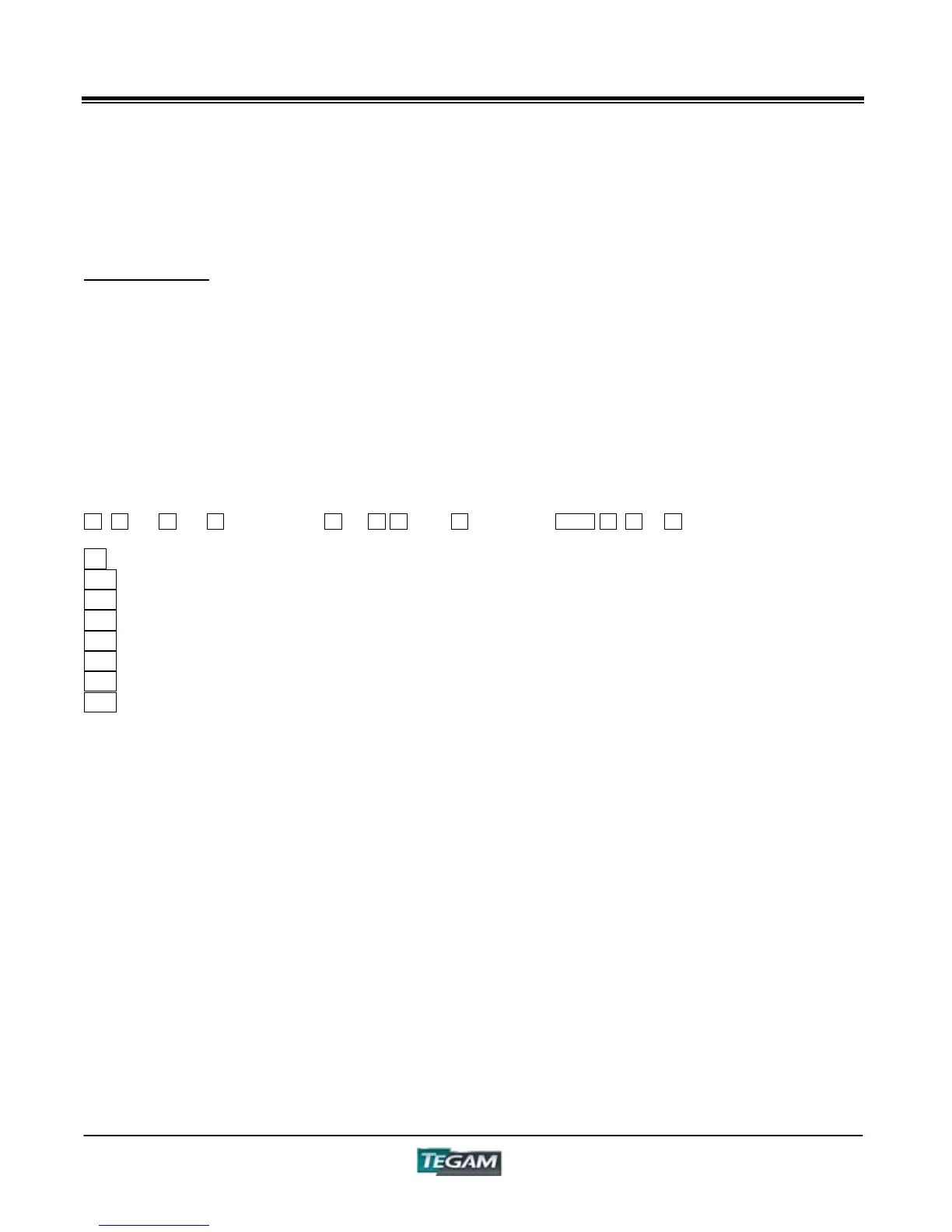
1 14 18 19 20 16 21 19 20 16 21 13
1 - Panel Number
13 - Delimiter
14 - BIN Number
16 - Divider for High and Low Settings (2Fh)
18 - Comparator Mode
19 - Standard (Std.) Value
20 - Low Limit Value Setting
21 - High Limit Value Setting
NOTES:
Places with no setting will be filled with "-------" (ASCII Code 2Dh×7)
D, Q, and LJ will have a "_"(ASCII Code 5Fh) for their "Unit"
In Output Format Sample, the "_" denotes a space (ASCII Code 20h)



 To Next Page