SeaBat Sonar UI - User Manual General Information
9
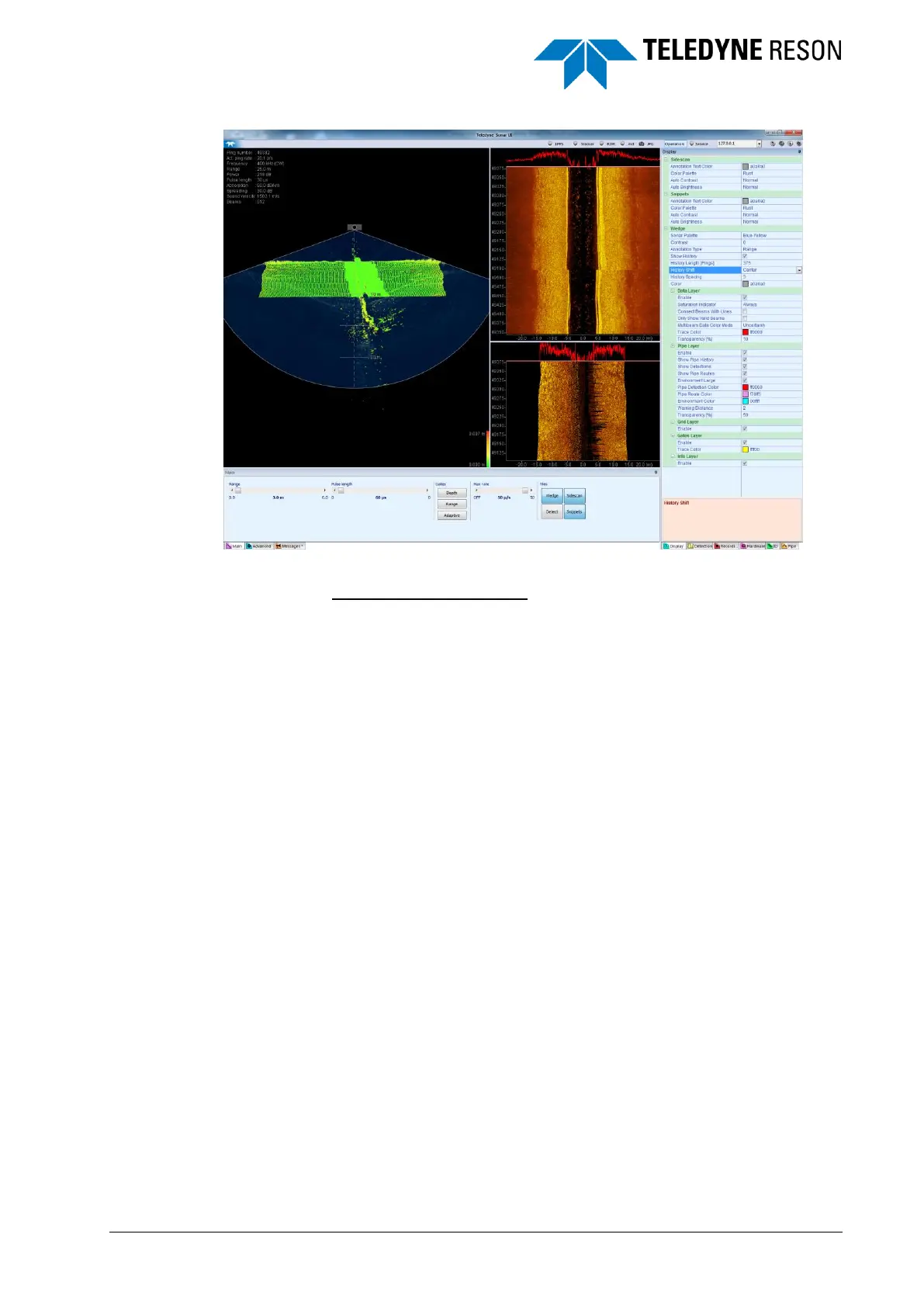
Figure 3-6 Re-docked settings pane placed from right guide diamond
Re-docking bottom panes:
See Figure 3-7.
1 Drag the floating bottom pane to the center guide diamond.
2 When dropping the pane, it will be placed at the bottom of the display
as indicated by a placeholder.
3 The bottom pane will be shifted to the left when a Settings pane is
open.



 To Next Page