68
Operation SeaBat Sonar UI - User Manual
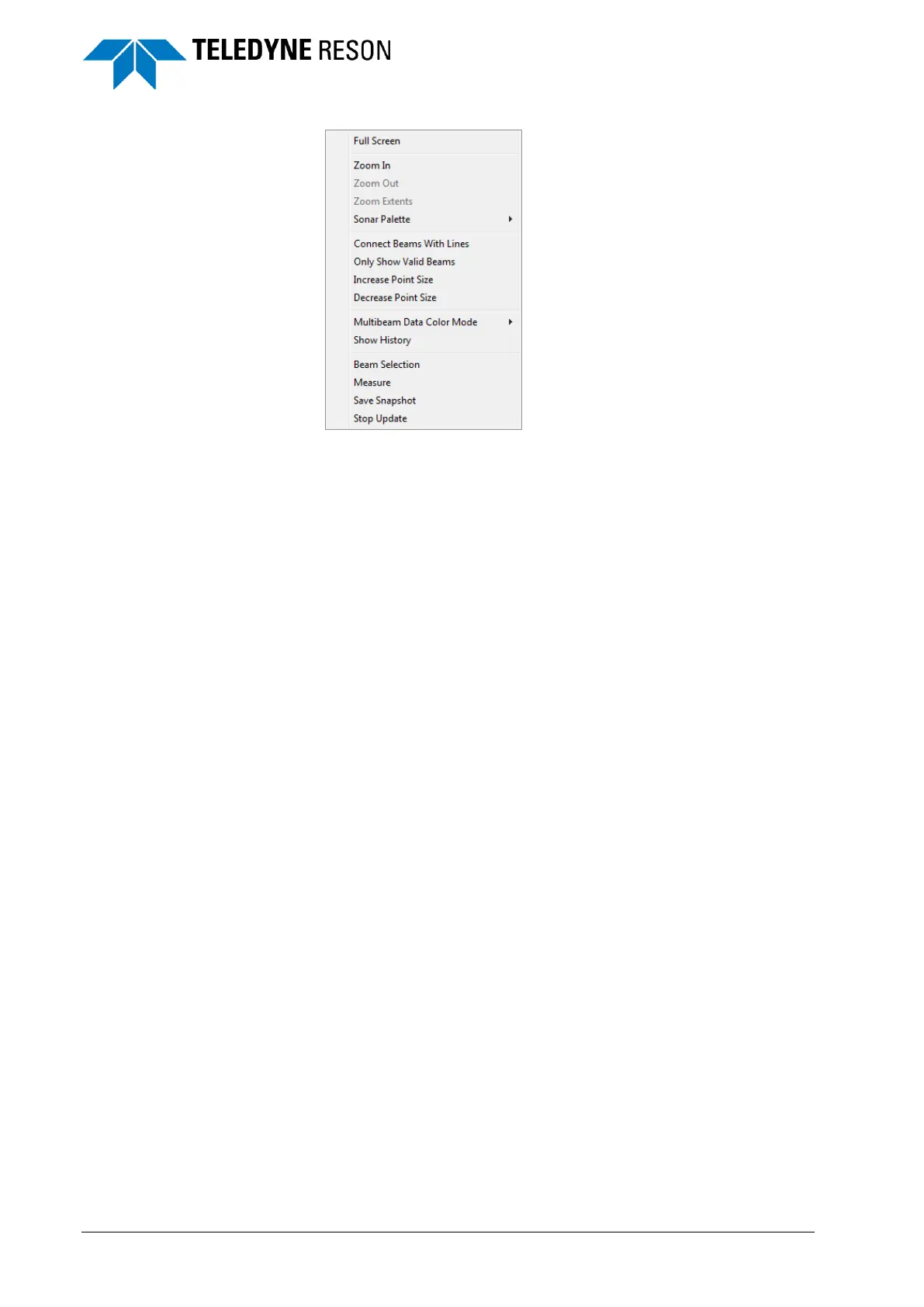
Figure 4-84 Context menu Wedge screen
Some of the context menu options are also available in the Display pane
(see page 44).
4.11.3 Zoom Functions
There are several ways to zoom in and out in the Sonar UI:
The mouse wheel. Roll the mouse wheel to employ the Zoom
Extent feature.
The screen Toolbars
(Zoom extent is only available in Wedge and Water
column/Detect screens)
The Context menus.
The numeric keypad of the keyboard ‘+’ and ‘-‘ keys.



 To Next Page