46
Operation SeaBat Sonar UI - User Manual
be displayed in the screen. Each of these layers can be switched on/off
and have their own settings for color and font size.
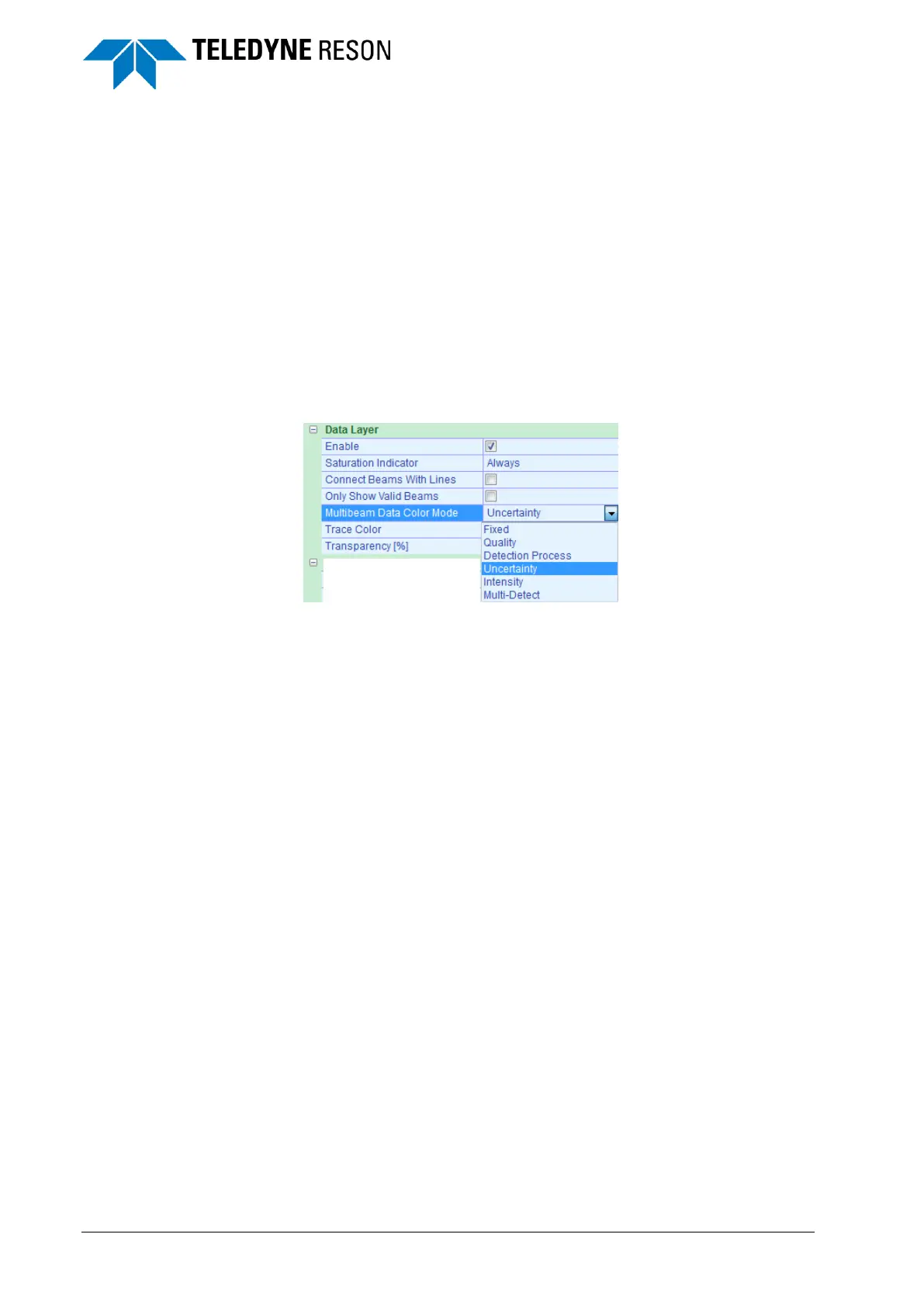
For the Wedge screen it is possible to set the multibeam data color mode
of the data layer to:
Fixed
Quality
Detection Process
Uncertainty
Intensity
Multi-Detect
The data colors of these modes are pre-defined and indicated in the
wedge right lower corner.
Figure 4-50 Multibeam Data Color Mode



 To Next Page