10
General Information SeaBat Sonar UI - User Manual
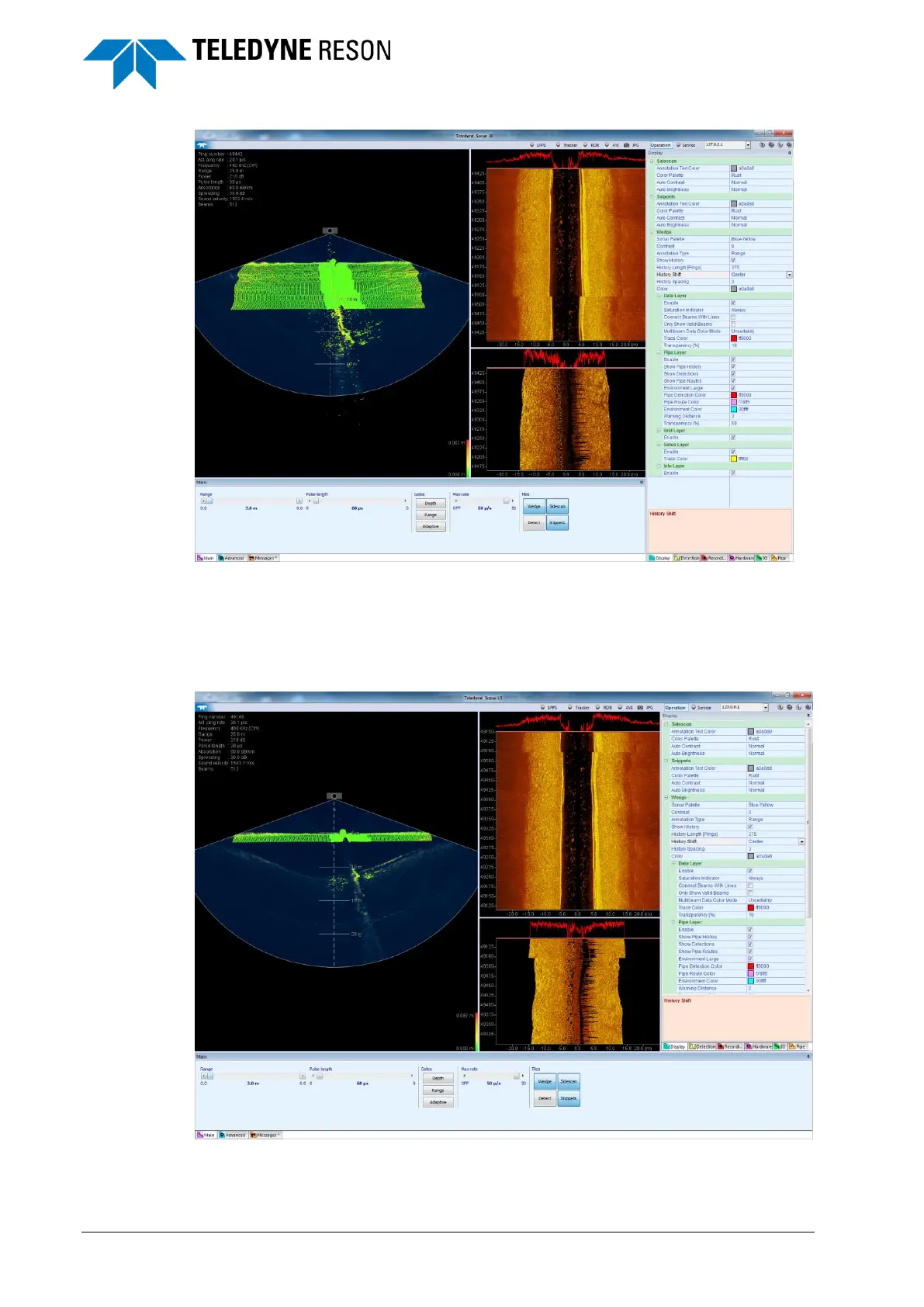
Figure 3-7 Re-docked bottom pane with the center guide diamond
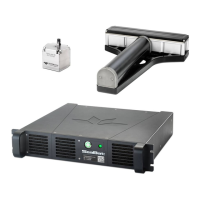
When dragging a bottom pane to the lower guide diamond, while a
settings pane is opened then:
1 The bottom pane will be placed at the bottom of the display.
2 The settings pane will be shifted to the top.
Figure 3-8 Re-dock bottom pane from the bottom guidance diamond and an
opened settings pane



 To Next Page