SeaBat Sonar UI - User Manual Operation
21
4 Operation
4.1 Introduction
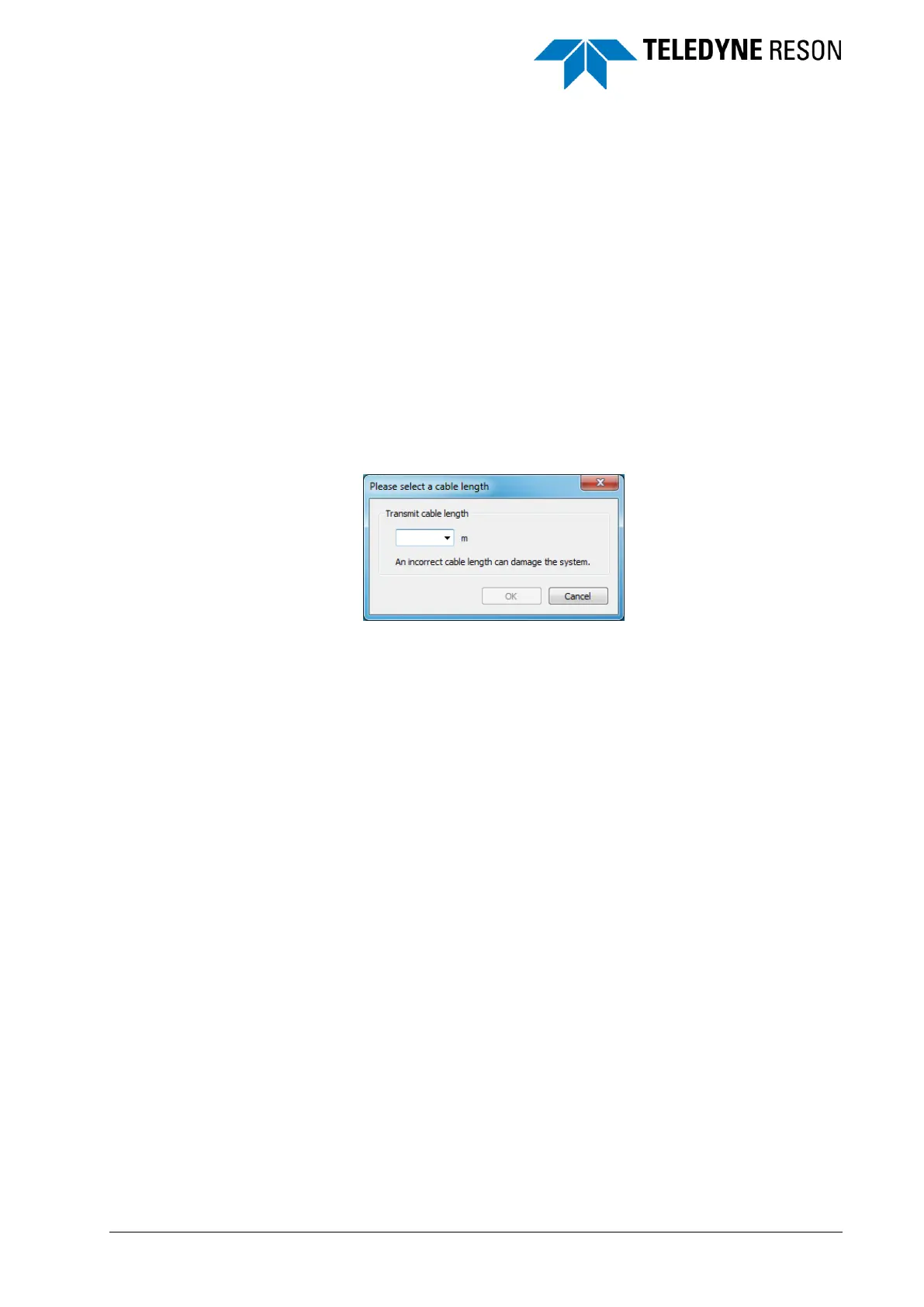
Depending of the sonar type the Sonar UI opens with a dialog box to
specify the transmit cable length.
Figure 4-1 Cable length dialog box.
It is essential the correct cable length is specified. A wrong
cable length can damage the system!
When the Sonar UI is started, it will open in the Operation mode with four
screens or the number of screens that were open when the Sonar UI was
closed before.



 To Next Page