SeaBat Sonar UI - User Manual General Information
19
3.4 Screen Toolbar and Context Menu
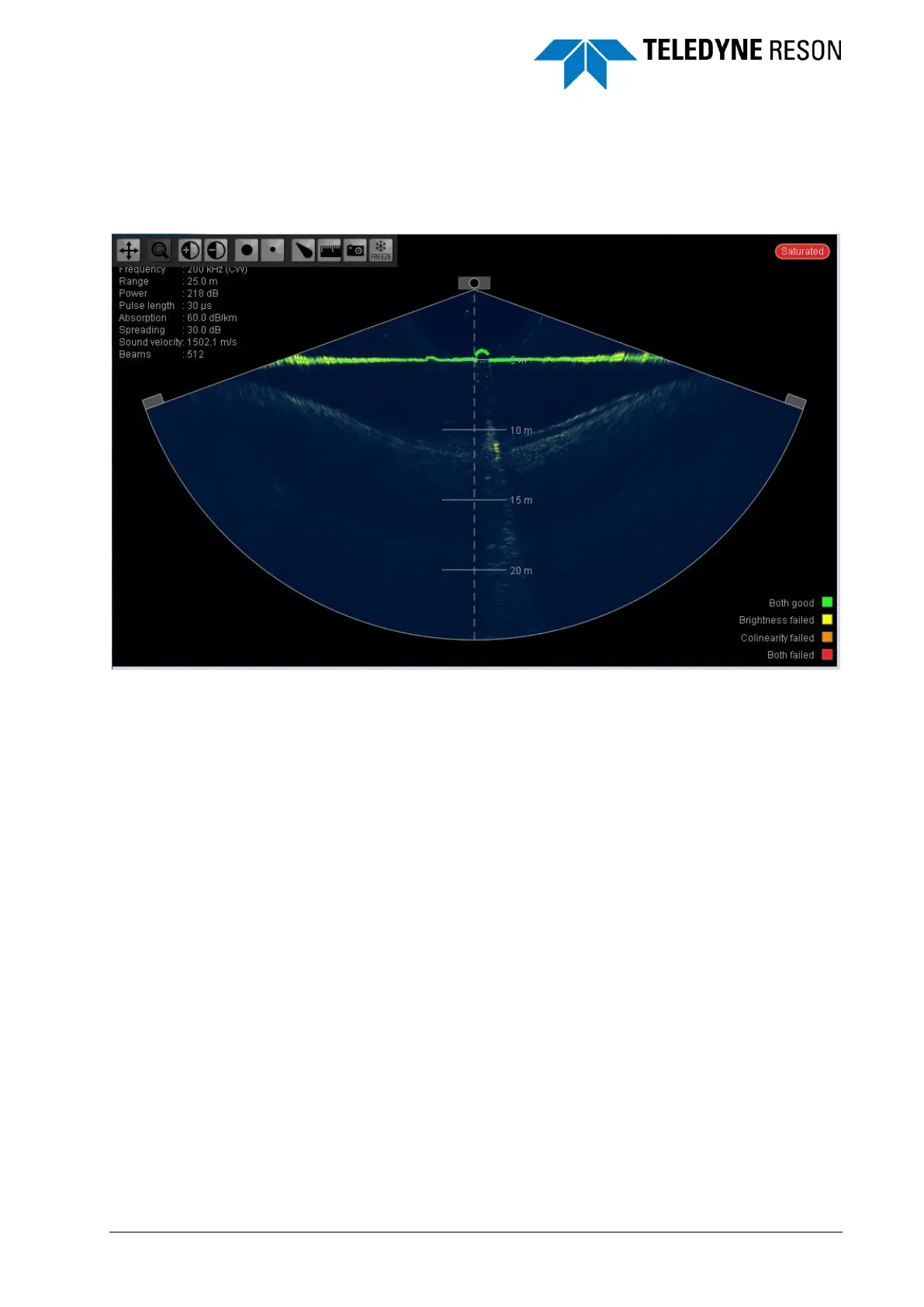
When the cursor is moved to the top left side of each individual screen a
toolbar will automatically pop up. The toolbar automatically hides when
the cursor is moved away.
Figure 3-15 Toolbar in one of the views pops up automatically.
The screen toolbar options are also available in a context menu.
Right-click the screen to open the context menu. The toolbar and context
menu are used to adjust the screen properties. For more details, see the
chapter Operation on page 21 .



 To Next Page