SeaBat Sonar UI - User Manual Operation
67
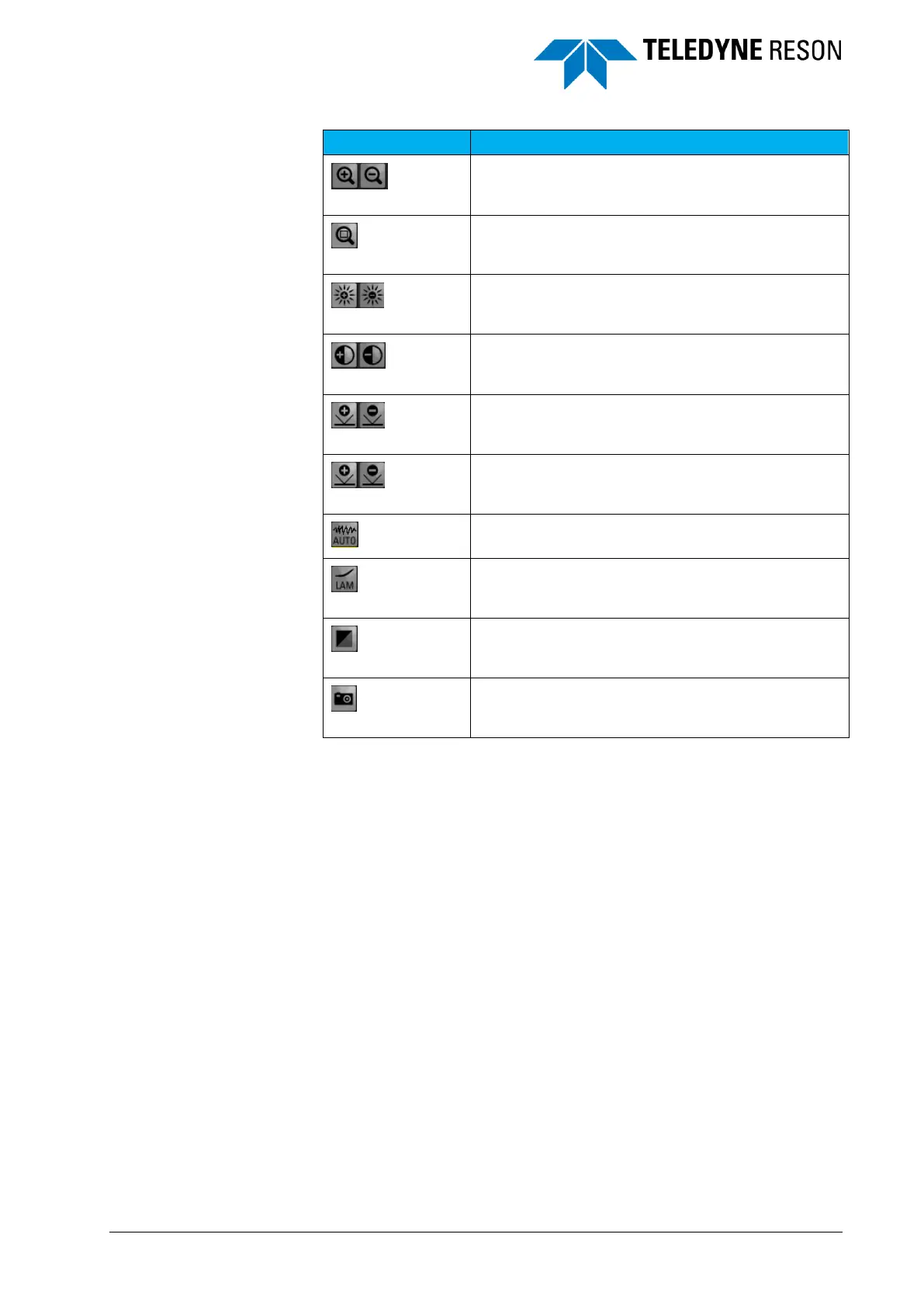
Increase and decrease threshold.
Increase and decrease gain.
Increase and decrease TVG.
Auto scaling. The TVG, gain and threshold will be
set automatically.
Auto scaling. The TVG, Gain, and Threshold will be
set automatically
Lambert’s law correction.
4.11.2 Screen Context Menu
The screen toolbar options are also available in the context menus of
each screen. The context menus contain extra options in addition to the
toolbar options.
Right-clicking opens the context menu.



 To Next Page