66
Operation SeaBat Sonar UI - User Manual
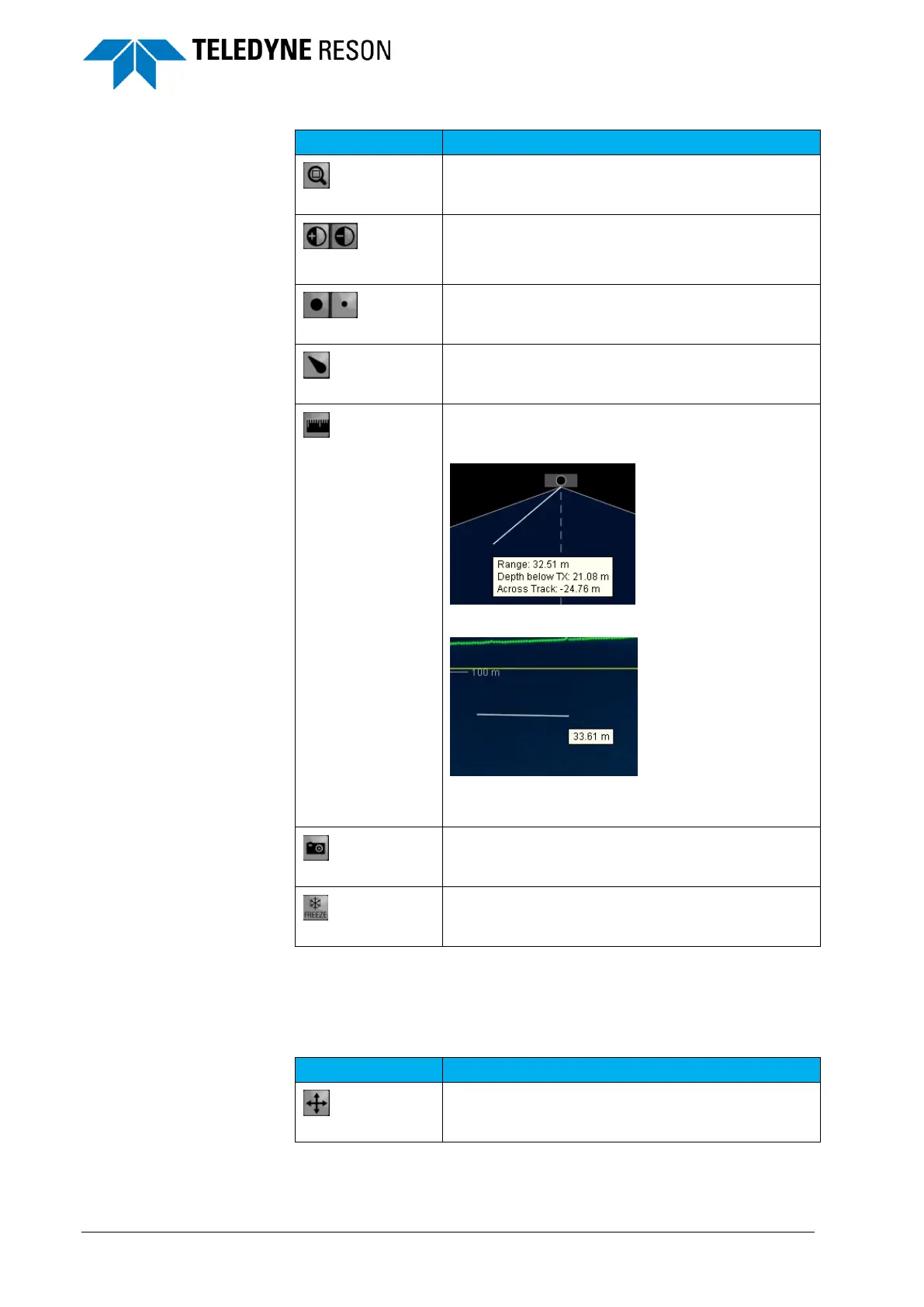
Increase and decrease contrast. The contrast level
is indicated in the lower left corner of the screen.
Increase and decrease the point size of the
detection.
Measure. Two measurements can be made.
Measure from the head.
Or measure in the wedge.
(Right click to disable the measurement function)
Table 2 summarizes the functions of the toolbar for the Snippets display.
Table 2: Toolbar buttons: Snippets display
Full screen. Switches the view to a full screen size.



 To Next Page