SeaBat Sonar UI - User Manual General Information
13
Night
Less contrast and brightness; recommended for use during
the night.
Twilight
Less contrast; recommended for use during twilight.
Bright
Extra contrast and brightness; recommended for use in bright
sunshine.
The different color modes are working fine in the Windows Classic
Theme. In the Windows 7 Basic and Windows 7 Themes not all the
items on the screen will be supported.
3.3.1.2 Sonar System
Restore factory settings:.
Select this checkbox to restore the factory settings of the sonar. This also
includes settings for the I/O module and network connections IP settings.
Reset Sonar settings:
Select this checkbox to reset only the sonar settings to the defaults..
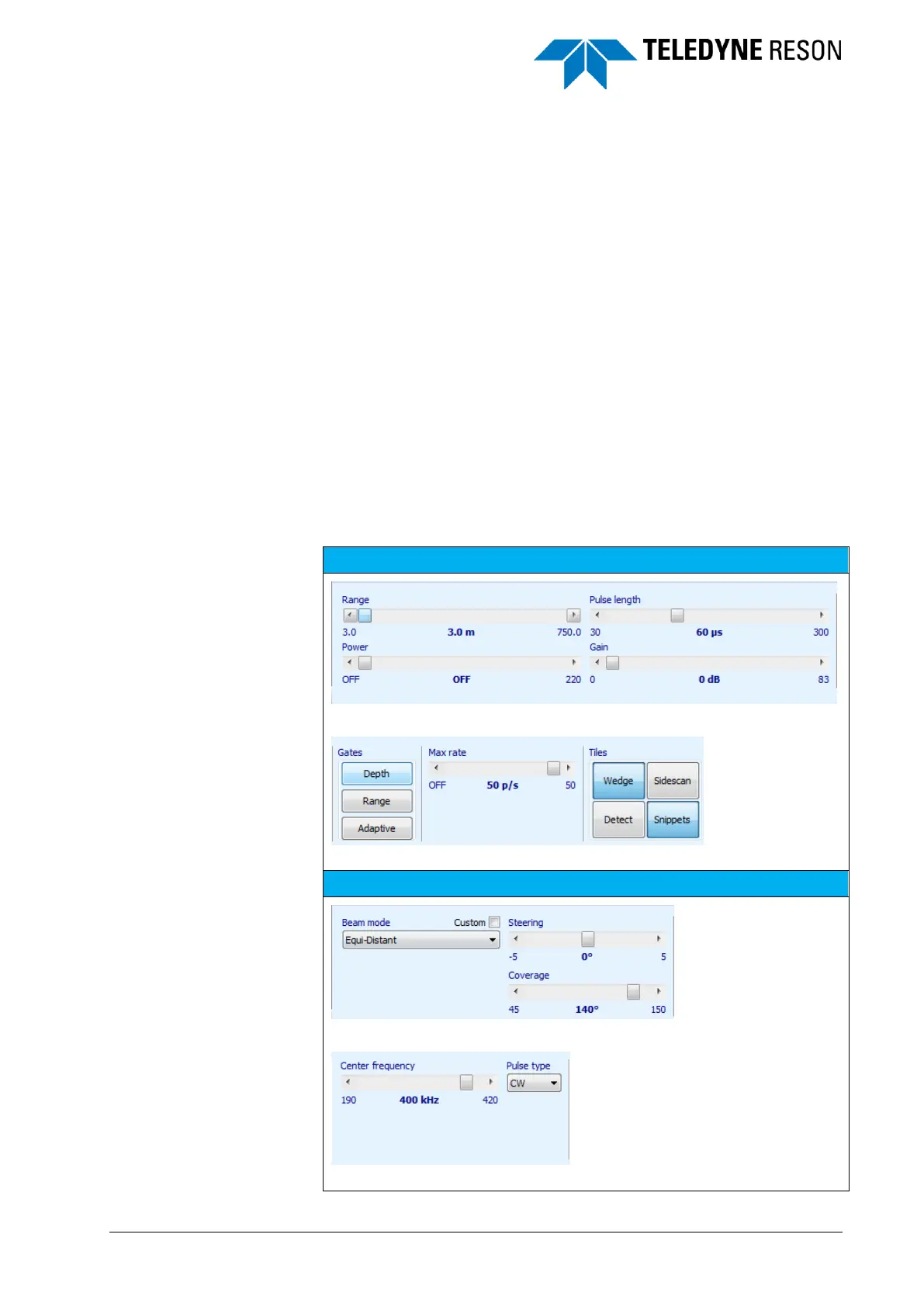
The next table lists the default sonar main and advanced settings.



 To Next Page