SeaBat Sonar UI - User Manual General Information
11
3.2.1.4 Tabs
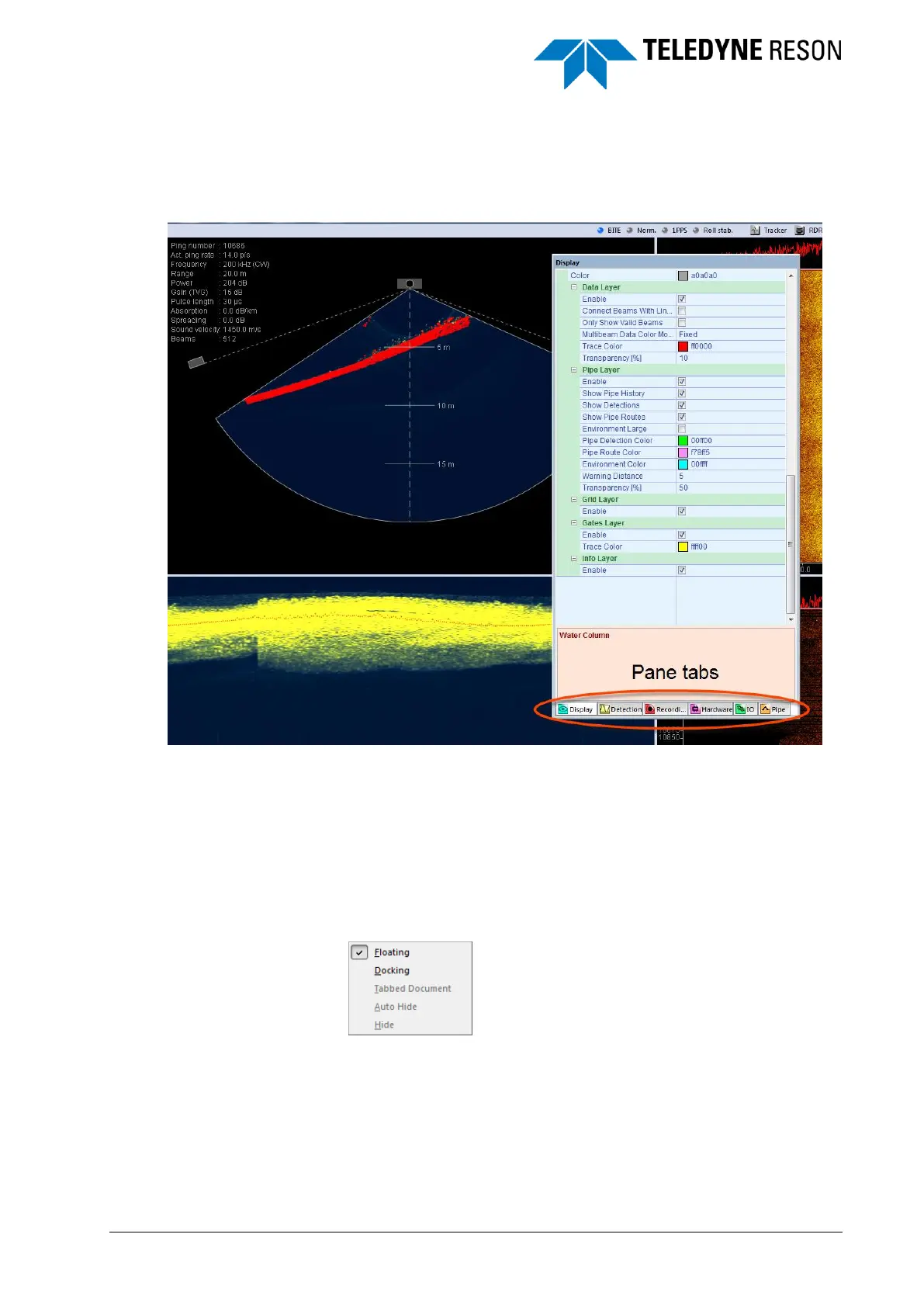
The tabs are fixed to a floating pane.
Figure 3-9 Settings pane with tabs.
When a pane is placed on a new location and a different pane tab is
selected, this pane will be displayed on this location. It is not possible to
display more than one settings pane or bottom pane on a location other
than the default (on the right or at the bottom, respectively).
3.2.1.5 Context Menu
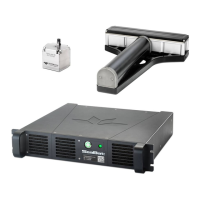
The different modes for the panes are also selectable from a context
menu. Right-click in the pane to open the context menu.
Figure 3-10 Context menu



 To Next Page