SeaBat Sonar UI - User Manual General Information
15
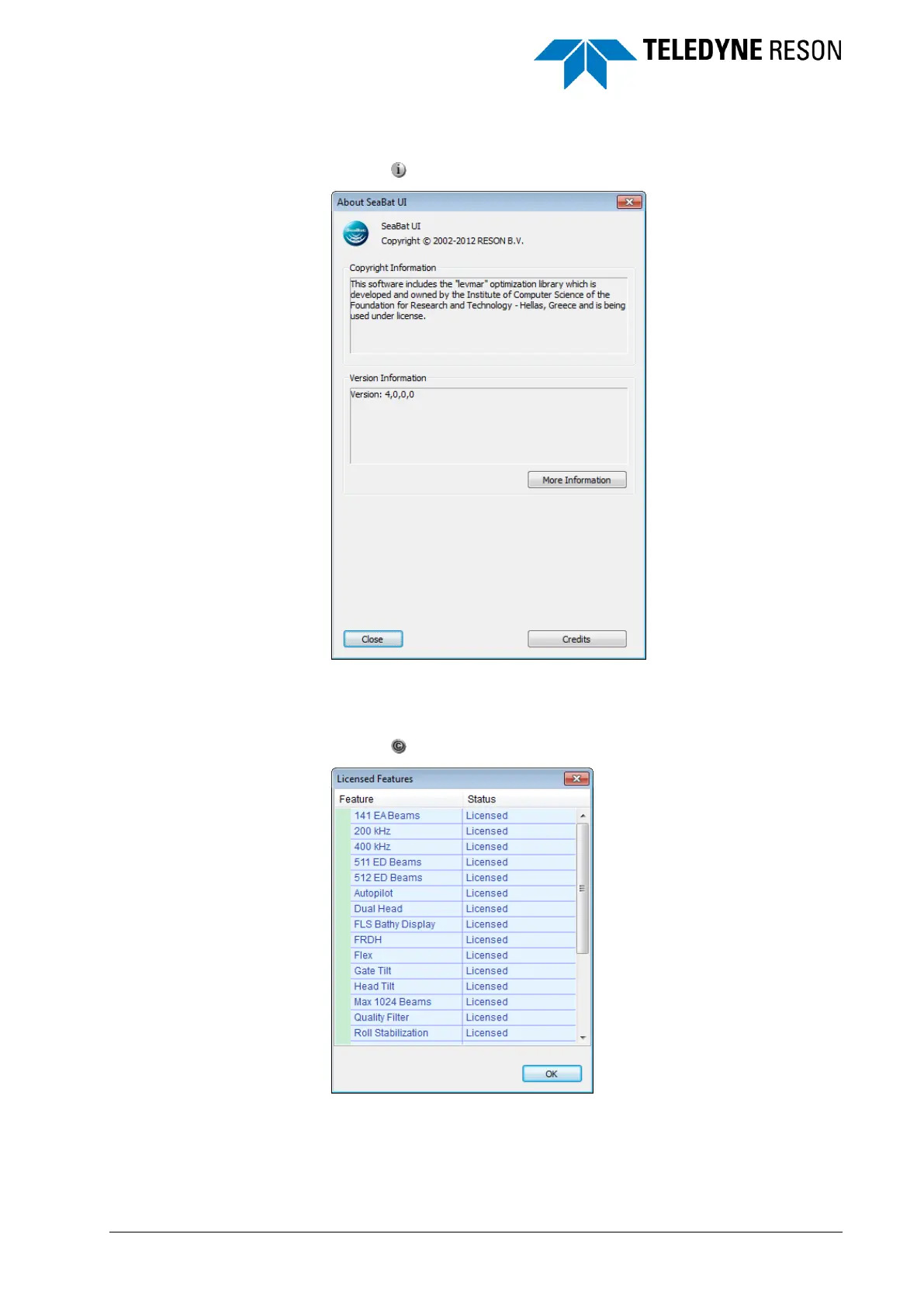
3.3.2 About Dialog
Click on to open the about dialog.
Figure 3-13 About Sonar UI dialog
3.3.3 Licensed Features Dialog
Click on to open the dialog.
Figure 3-14 Licensed Features dialog
The Licensed Features dialog displays the licenses of the feature
packages as purchased by the user. New license files are dragged and
dropped at the Sonar UI and installed automatically.



 To Next Page