SeaBat Sonar UI - User Manual Operation
71
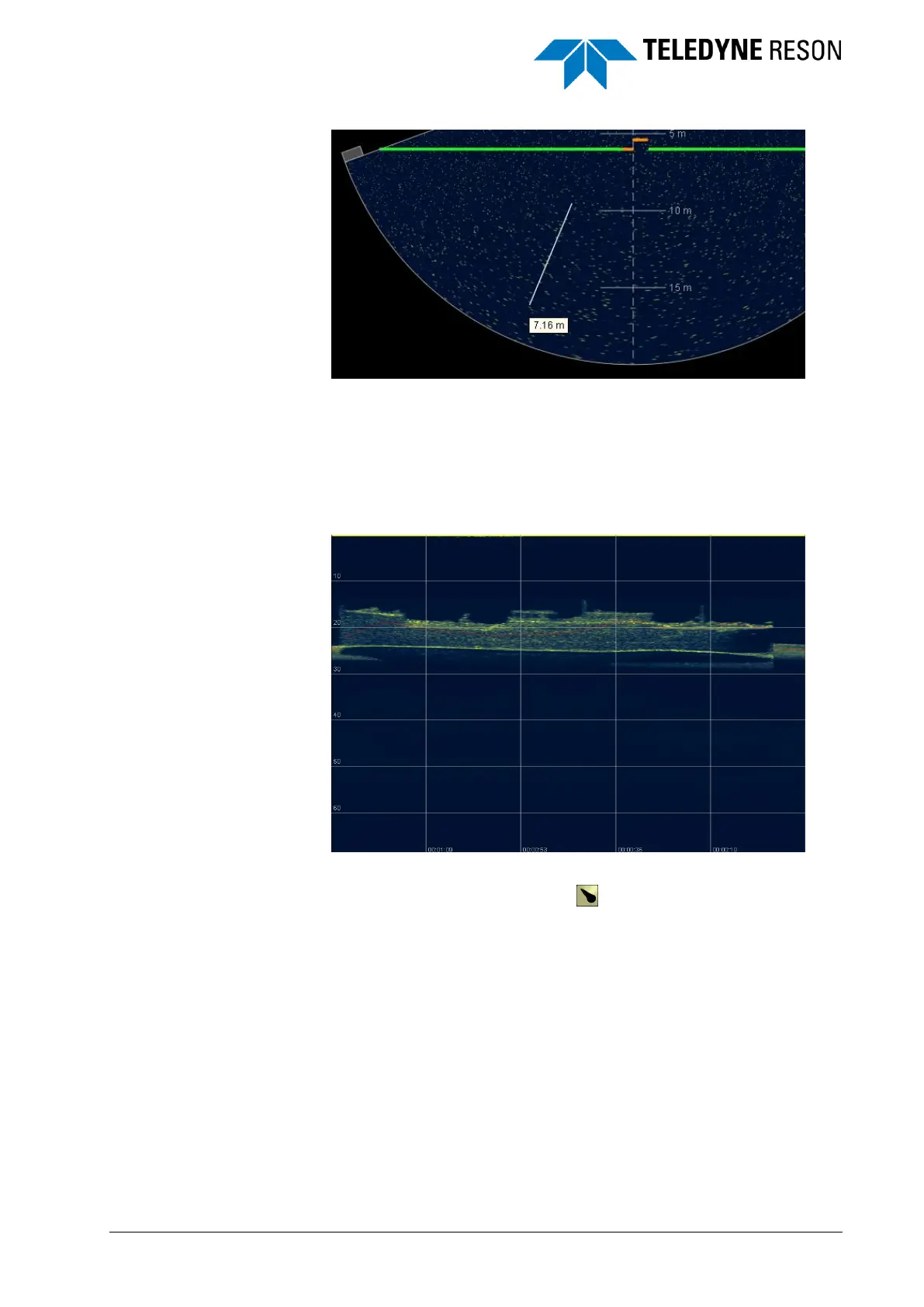
Figure 4-88 Distance Measurement function.
4.11.5 Water Column
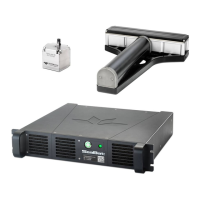
The Water Column screen shows the complete water column for the
selected beam.
Figure 4-89 Water Column screen with the selected beam over a wreck
The beam can be selected with the from the toolbar in the Wedge
screen (see Table 1) or in the Display pane under Water Column (see
page 44).



 To Next Page