70
Operation SeaBat Sonar UI - User Manual
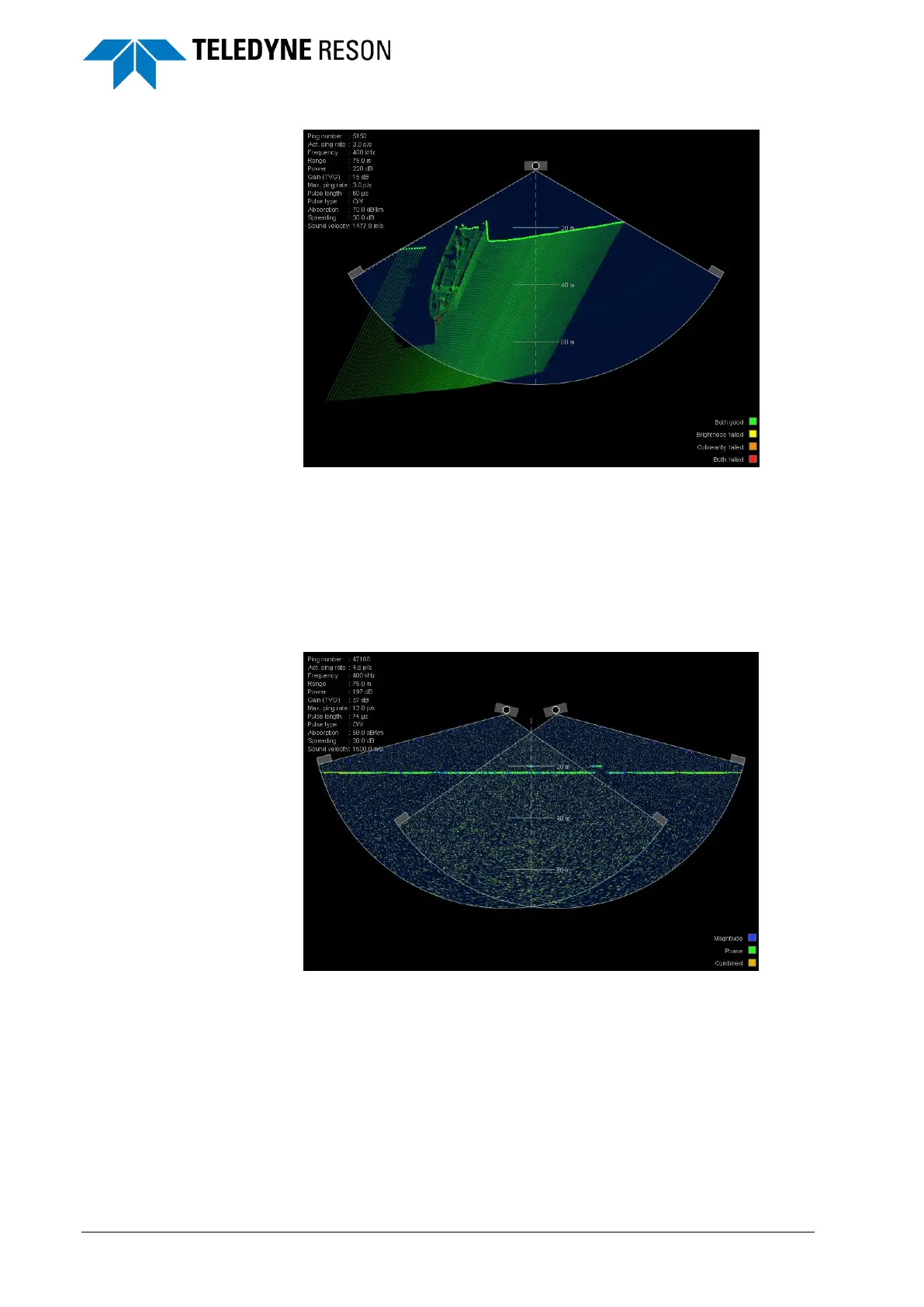
Figure 4-86 Wedge screen with history, swath shift left and swath spacing 0
Define in the Display pane how the history is displayed in the Wedge by
setting:
History Length: the length of the history in pings.
Swath Shift: the direction of the history in the display.
Swath Spacing: the distance between the swaths.
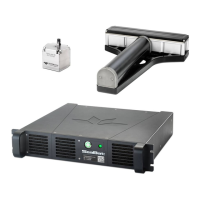
Both sonar wedges can be displayed for sonars in dual head mode
Figure 4-87 Wedge screen with 2 sonars in dual head mode
4.11.4.6 Measurement
When pressing ‘M’ on the keyboard a distance measurement function
becomes active. Click in the wedge and drag the cursor to a point to
measure the distance between the two points.
Deactivate the measurement function by pressing ‘M’ again.



 To Next Page